

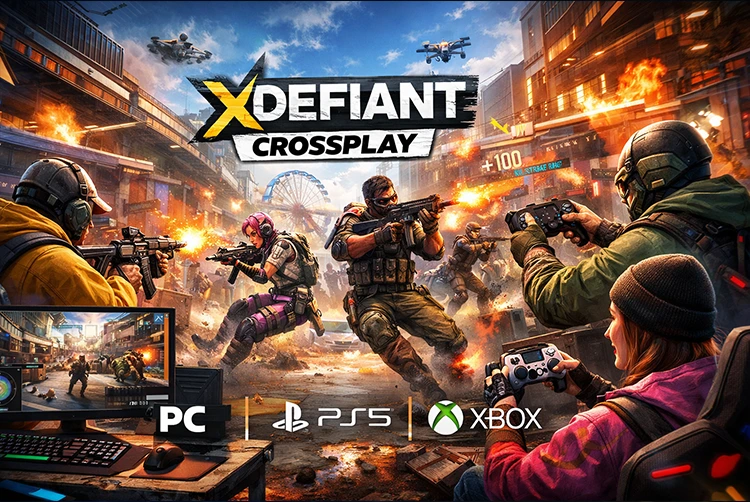
XDefiant, Ubisoft’s free-to-play arena shooter blending factions from Rainbow Six and other series, offers full crossplay support across PC, PS5, and Xbox Series X|S. Since its 2024 launch and into 2026, you can jump into 6v6 matches or Occupy modes with friends on any platform, backed by cross-progression via your Ubisoft account.
This keeps your levels, weapons, and cosmetics synced, making squad play effortless. No last-gen consoles, but the unified matchmaking keeps lobbies popping. Whether you’re running Echelon intel or DedSec hacks, crossplay ensures fair fights with aim assist balancing controller vs. mouse. Dive in with our guide on setup, friends, and fixes similar to Destiny 2’s seamless worlds.

Crossplay Basics in XDefiant
Crossplay means shared lobbies, parties up to 6 players, and voice chat across platforms. It’s on by default for faster queues (under 30 seconds typically), with proximity VOIP and text. Factions like Cleaners or Phantoms perform identically everywhere, and leaderboards are global. Input-based matchmaking exists too toggle it to group controllers vs. MnK for sweat-free games.
Supported Platforms
| Platform | Launcher/Store | Key Notes |
|---|---|---|
| PC | Ubisoft Connect | Mouse/keyboard precision; free download. |
| PS5 | PlayStation Store | DualSense haptics shine in gunfights. |
| **Xbox Series X | S** | Microsoft Store |
No PS4/Xbox One current-gen only for 120 FPS potential.
Cross-Progression: Keep Your Grind
Log in with the same Ubisoft account on any platform, and your profile player card, battle pass tiers, weapon blueprints, and unlocks transfers instantly. Start grinding on PC, finish on PS5 no resets. Purchases like battle pass are account-bound too.
Setting Up Crossplay and Your Ubisoft Account
- Download & Launch: Grab from Ubisoft Connect (PC), PS Store, or Xbox Store.
- Link Ubisoft Account: First login prompts create or sign in at ubisoft.com. Link PSN/Xbox Live automatically.
- Enable Crossplay: Esc/Settings > Matchmaking & Account > Crossplay: On (default). Toggle Input-Based Matchmaking if desired.
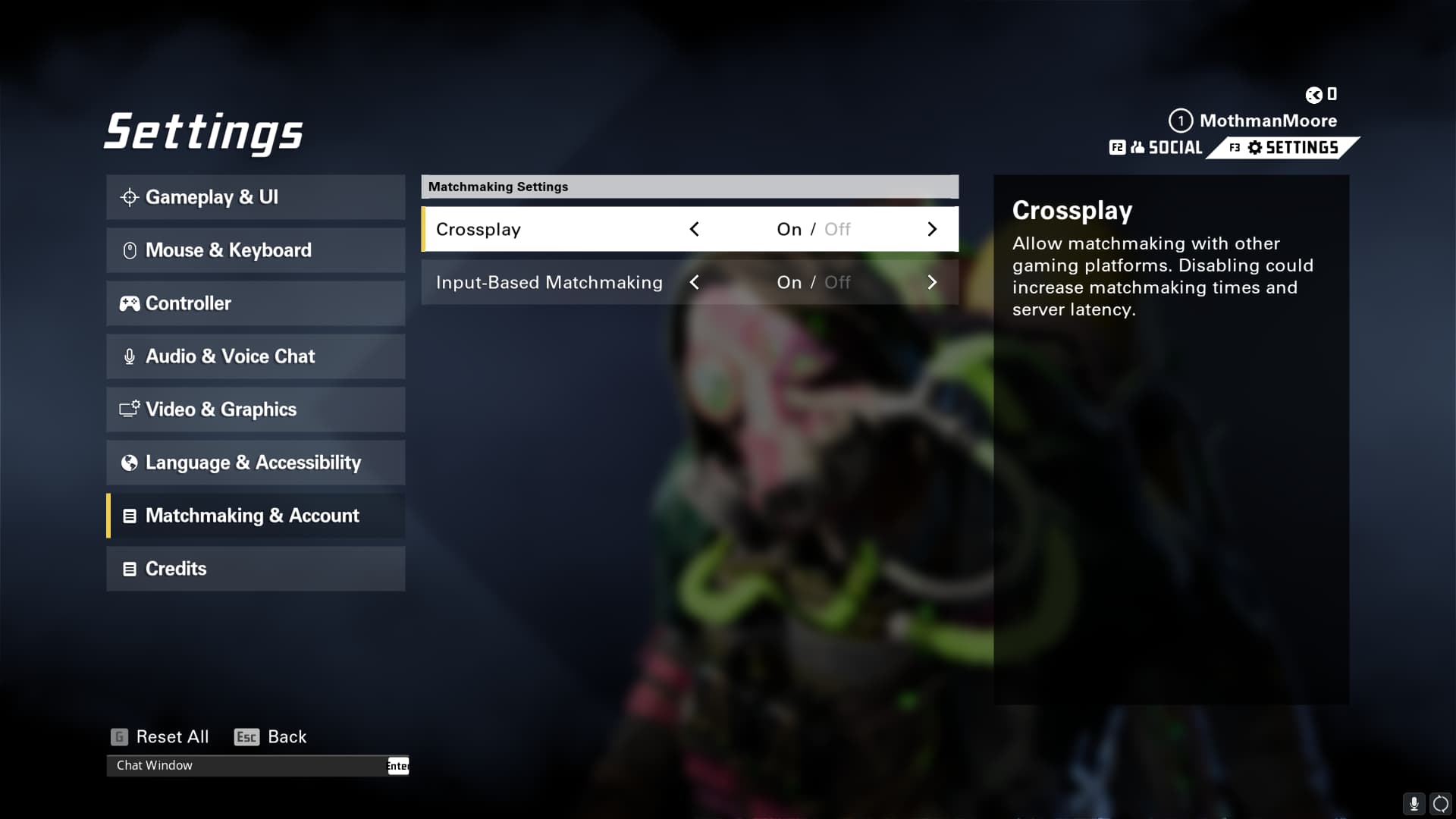
- Verify: Social tab shows cross-platform friends.
Much like PUBG’s account sync, link once and forget.
Adding and Inviting Cross-Platform Friends
Friends use Ubisoft usernames (e.g., Player#1234):
- Lobby > Social (top-right) > Friends > Add Friend > Search Ubisoft name.
- Accept request; right-click > Invite to Party.
- Party leader queues everyone joins auto.

Recent players list helps post-match. Parties scale matchmaking; voice works cross-network.
Limitations, Disabling, and Troubleshooting
Can You Turn Off Crossplay? Yes Settings > Matchmaking & Account > Crossplay: Off. Limits to same-platform lobbies, but queues balloon (2-5x longer). Useful if PC aim frustrates.
Common issues:
| Issue | Fix |
|---|---|
| Friends not joining | Match crossplay/input settings; restart. |
| Party voice silent | Check console privacy (Xbox: Allow cross-network). |
| Progress not syncing | Relink Ubisoft account; clear cache. |
| Long queues | Enable crossplay; peak hours help. |
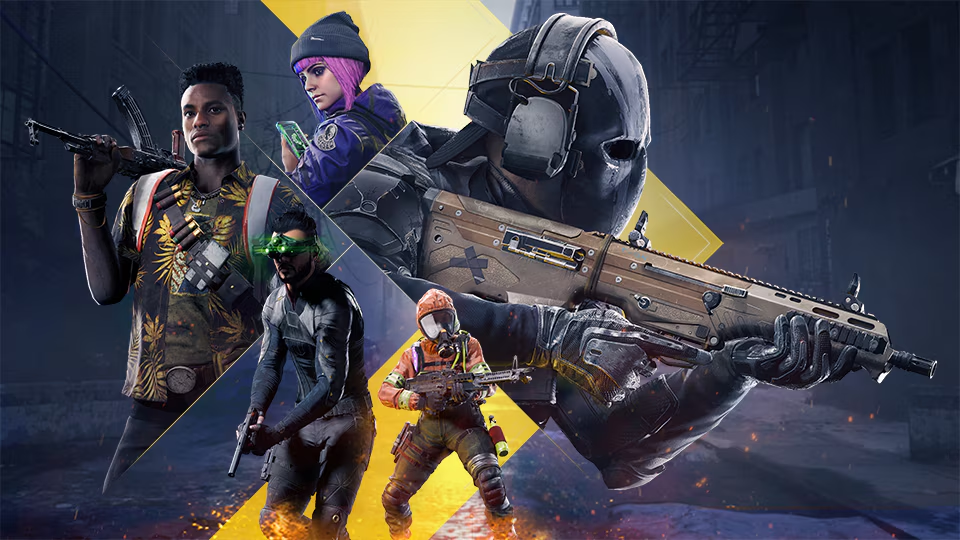
Patches like Y1S0.2 fixed party/crossplay bugs. Setup mirrors Black Ops 6’s party system, with unified friends.
Final Thoughts: Squad Up Anywhere
XDefiant’s crossplay keeps the fast-paced shooter alive in 2026, fostering diverse squads like in The Finals. Download free and link up perfect for faction wars on the go. For more shooter guides, check Arc Raiders crossplay
FAQs
Is XDefiant Crossplay Between PC, PS5, and Xbox?
Yes, full support no restrictions.
Does XDefiant Have Cross-Progression or Cross-Save?
Yes, via Ubisoft account across all platforms.
How Do I Disable Crossplay in XDefiant?
Settings > Matchmaking & Account > Crossplay Off. Expect slower matchmaking.
Can I Add Cross-Platform Friends in XDefiant?
Yes, search Ubisoft usernames in Social tab.
Why Can’t My Party Queue in XDefiant?
Sync crossplay settings; restart game/console. Check Ubisoft status.
