

Monitor technology has changed dramatically over the past few decades. Bulky CRT screens have been replaced by thin, high-resolution panels with faster refresh rates, better color, and advanced features. These improvements have affected everything from office work and content creation to entertainment and competitive gaming.
Understanding how monitors evolved also explains why modern displays offer such different combinations of resolution, refresh rate, contrast, response time, and connectivity.
The CRT Era
Cathode ray tube monitors dominated desktops from the 1970s through the early 2000s. They produced images by firing electron beams at a phosphor-coated screen. The technology was relatively mature and could deliver good color reproduction and flexible refresh rates.
However, CRT monitors had obvious physical limitations. They were heavy, consumed considerable power, and required significant desk depth. Large models could weigh more than 20 kilograms.
Their size became increasingly impractical as computers became smaller and more portable. Manufacturers needed a display technology that could deliver comparable image quality without the weight and bulk. LCD technology provided the answer.
The Rise of LCD
Liquid crystal displays transformed the monitor industry. LCD panels use a backlight behind a liquid crystal layer to control how much light passes through individual pixels. This allowed manufacturers to produce screens that were dramatically thinner and lighter than CRTs.
During the 2000s, LCD monitors became increasingly affordable as production expanded. They gradually replaced CRTs in homes, offices, schools, and businesses.
Early LCDs were not perfect. Many had relatively slow response times, limited viewing angles, and weaker black levels. Improvements in backlighting, liquid crystal alignment, and panel electronics gradually addressed these limitations.
Panel Technology Becomes More Specialized
As LCD technology matured, manufacturers developed several panel types designed around different priorities.
- TN: Known for fast response times and low manufacturing costs. It became popular in early high-refresh-rate gaming monitors.
- IPS: Offers wide viewing angles and strong color reproduction. It is widely used for design, photography, productivity, and modern gaming displays.
- VA: Provides strong contrast and deeper blacks than many traditional IPS and TN panels. It is often used for gaming, movies, and general-purpose displays.
- OLED: Uses self-emissive pixels rather than a conventional backlight. This enables extremely deep blacks, excellent contrast, and very fast pixel response.
The differences matter because monitor requirements vary considerably. A photographer may prioritize color accuracy. An office worker may value resolution and ergonomics. A competitive gamer may care more about refresh rate, response time, and input latency.
Gaming Monitors Change the Market
Gaming played a major role in pushing monitor specifications beyond the traditional 60Hz standard. As graphics cards became more powerful, gamers wanted displays capable of showing more frames per second.
Gaming monitors began appearing with refresh rates of 120Hz and 144Hz. Higher-end models moved to 165Hz, 240Hz, 360Hz, and beyond. A higher refresh rate allows the display to update the image more frequently, producing smoother motion when the computer can generate enough frames.
Response time also became an important specification. A monitor with a fast pixel response can reduce visible ghosting during rapid movement. This is particularly useful in first-person shooters, racing games, and competitive esports.
Adaptive sync technologies further improved gaming performance by synchronizing the monitor’s refresh cycle with the graphics card’s frame output. This can reduce screen tearing and provide smoother gameplay when frame rates fluctuate.
Modern gaming monitors also come in different resolutions and aspect ratios. 1080p remains useful for high-frame-rate competitive gaming, while 1440p offers a balance between image detail and performance. 4K gaming monitors provide significantly higher pixel density but generally require more powerful graphics hardware.
Resolution and Refresh Rate Keep Climbing
Monitor resolution has advanced from standard-definition formats to 1080p, 1440p, 4K, and professional 8K displays. Higher resolutions provide more pixels, allowing images and text to appear sharper when the software and hardware are properly configured.
Refresh rates have followed a similar path. While 60Hz remains common for basic productivity, 100Hz and higher displays are increasingly available for everyday computing. Gaming monitors commonly offer 144Hz or higher, with premium models reaching extreme refresh rates for competitive applications.
These specifications should not be considered independently. A 4K monitor with a high refresh rate requires considerably more graphics processing power than a 1080p display. Choosing the right combination depends on the computer, applications, and type of content being displayed.
Industrial and Outdoor Displays
Consumer monitors receive most of the attention, but specialized displays have developed for environments where conventional panels cannot operate reliably.
Rugged displays are designed for applications involving dust, moisture, vibration, temperature changes, and other demanding conditions. Depending on the application, these displays can include sealed enclosures, reinforced construction, sunlight-readable panels, and specialized connectors.
Industries such as military operations, mining, transportation, marine applications, manufacturing, and outdoor kiosks can require this level of protection. Some systems also use IP-rated enclosures to provide defined levels of protection against solid particles and water.
Where Monitor Technology Is Headed
OLED continues to expand across premium monitors, particularly gaming and professional models. Its individual self-emissive pixels allow extremely fast response times and excellent contrast.
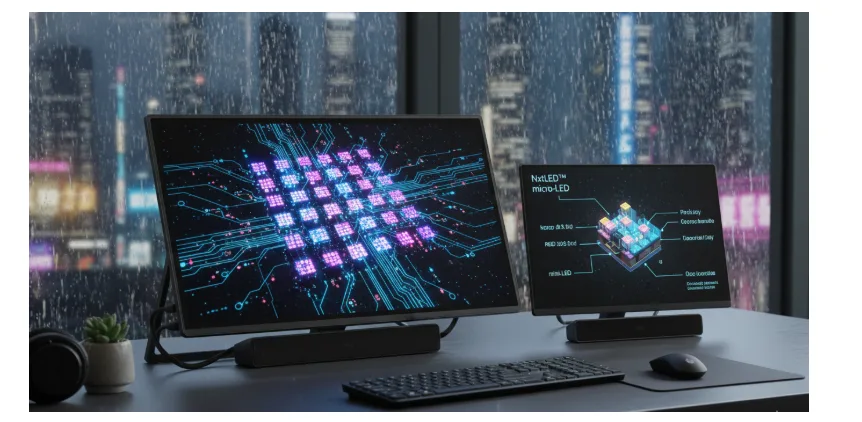
MicroLED represents another potential step forward. Like OLED, MicroLED uses individually controlled light-emitting pixels. It can potentially deliver high brightness, strong contrast, and long operating life. Manufacturing complexity and cost, however, remain significant challenges.
Gaming monitors will likely continue pushing refresh rates, resolution, HDR performance, and response times. At the same time, productivity displays will become more focused on high pixel density, connectivity, ergonomic features, and energy efficiency.
The monitor has evolved from a large glass tube into a highly specialized piece of technology. Whether it is used for gaming, professional design, industrial control, or everyday computing, modern displays offer far more choices than previous generations.
The basic purpose remains unchanged: present information clearly and accurately. The technology used to achieve that goal continues to advance.
