

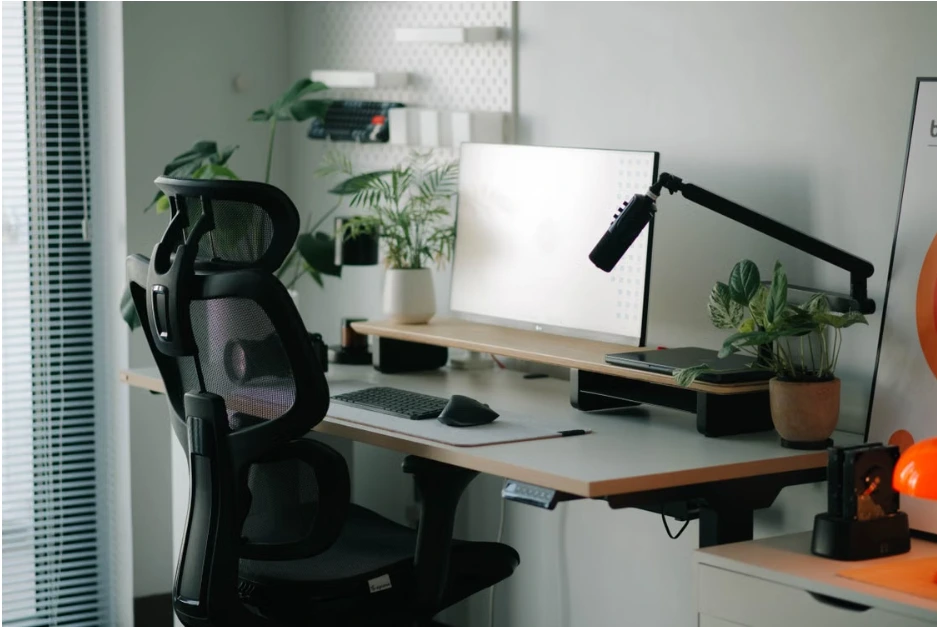
A computer desk chair can have a major impact on how comfortable you feel during long hours at your workstation. Whether you work from home, spend most of your day at an office, study, or enjoy gaming at your desk, the right chair can make everyday sitting more comfortable while supporting better posture.
With so many designs and features available, choosing a computer desk chair can feel overwhelming. Seat height, lumbar support, armrests, seat depth, backrest design, and adjustability all deserve attention. Understanding these essentials can help you choose a chair that suits your desk setup and everyday working habits.
Why the Right Chair Matters
Spending several hours sitting at a computer means your chair needs to provide more than basic cushioning.
A poorly suited chair may leave you constantly adjusting your position or feeling uncomfortable during the day. A well-designed computer desk chair, on the other hand, allows you to maintain a more natural sitting position while keeping your workstation comfortable.
The goal is not simply to find the softest chair. Support, adjustability, and proper fit are equally important.
Getting the Seat Height Right
Seat height is one of the first things to consider when choosing a computer desk chair.
Ideally, your feet should rest comfortably on the floor while your knees remain at a natural angle. Your chair should also allow you to position your arms comfortably when using your keyboard and mouse.
An adjustable seat makes it easier to match the chair to the height of your desk and your own body proportions.
Being able to make small adjustments can significantly improve everyday comfort.
The Importance of Lumbar Support
Lumbar support is another important feature to look for.
The lower back naturally curves inward, and a chair with appropriate lumbar support can help support this area while you are seated. Some computer desk chairs have fixed lumbar padding, while others allow the position or firmness of the support to be adjusted.
Adjustable lumbar support can be particularly useful because people have different body shapes and sitting preferences.
A supportive backrest should encourage a comfortable, natural posture rather than forcing you into an uncomfortable position.
Consider Seat Depth and Width
A chair may have excellent back support but still feel uncomfortable if the seat does not fit properly.
Seat depth affects how your thighs are supported. Ideally, there should be enough space to support your thighs without the front edge of the seat pressing uncomfortably against the backs of your knees.
Seat width is also important, particularly for people who prefer more room to change positions while working.
Trying a chair before purchasing it can help you determine whether the dimensions feel appropriate.
Adjustable Armrests
Armrests can help reduce unnecessary strain on the shoulders and upper body.
Adjustable armrests allow you to position your arms comfortably while typing, using a mouse, or performing other desk-based tasks. Depending on the chair, you may be able to adjust the height, width, depth, or angle of the armrests.
The ideal position depends on your desk height and individual body proportions.
Armrests should complement your sitting position rather than prevent you from moving comfortably.
Backrest Design
The backrest should provide adequate support while allowing comfortable movement.
Some computer desk chairs feature high backrests that support more of the upper body, while others use mid-back designs for a lighter and more compact appearance. Mesh backrests can provide ventilation, while padded designs may offer a softer feel.
The best option depends on your working environment, personal preference, and how many hours you typically spend sitting.
A chair should feel supportive without restricting natural movement.
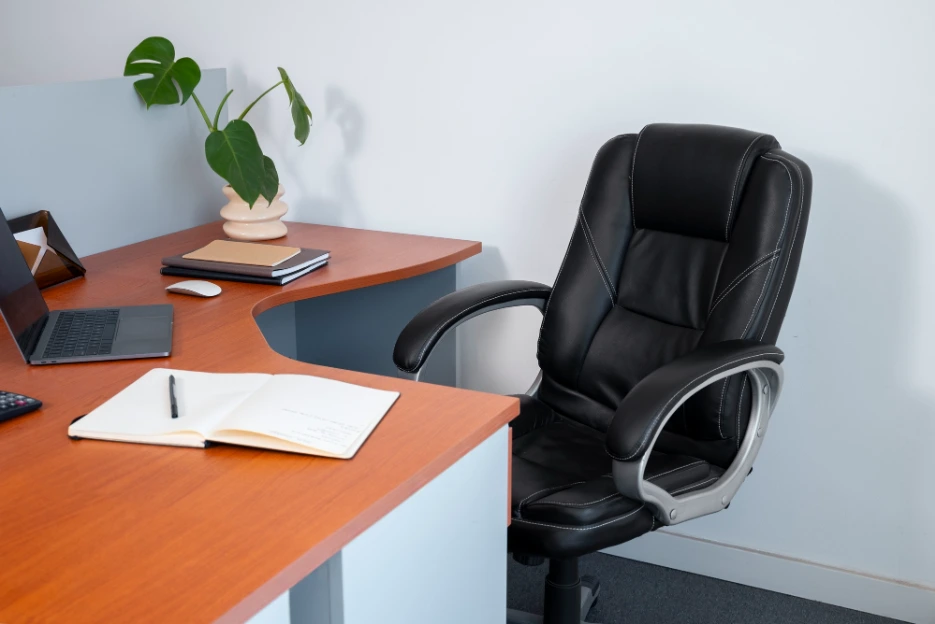
Seat Material and Cushioning
Materials can influence both comfort and durability.
Fabric upholstery is often breathable and comfortable, while mesh can provide additional airflow during long periods of sitting. Leather and synthetic leather offer a different feel and may be easier to clean, depending on the material.
Cushioning should provide sufficient support without being excessively soft.
Consider the temperature of your workspace and how frequently the chair will be used when choosing the material.
Mobility and Stability
A computer desk chair should be easy to move when necessary while remaining stable during use.
A suitable base with smooth-rolling casters allows you to move between different parts of your workstation without repeatedly standing up. At the same time, the chair should feel secure when you are seated.
The type of flooring in your workspace can also influence which casters are most suitable.
Choosing appropriate wheels can help protect your floor while making movement easier.
Adjustability Is Worth Considering
Adjustability is one of the most useful features of a modern computer desk chair.
Being able to change seat height, recline angle, lumbar support, and armrest position allows you to personalise the chair to your body and workstation.
This is particularly useful in shared workspaces where different people may use the same chair.
A highly adjustable chair can also accommodate changes in your desk setup over time.
Matching the Chair to Your Desk
A good chair should work together with the rest of your workstation.
Check the height of your desk, monitor position, keyboard, and mouse before deciding on a chair. Your chair should allow you to work comfortably without needing to raise your shoulders or lean excessively towards the screen.
A properly coordinated workstation is generally more comfortable than choosing furniture pieces independently.
Even an excellent chair cannot compensate for a poorly arranged desk setup.
Conclusion
Choosing a computer desk chair involves more than selecting an attractive design. Seat height, lumbar support, seat dimensions, armrests, backrest design, materials, mobility, and adjustability can all affect your everyday comfort.
By considering how the chair fits your body and works with your desk, you can create a more comfortable workstation for work, study, or leisure. Taking the time to compare different options and test the fit can make a significant difference to your overall desk experience.
