

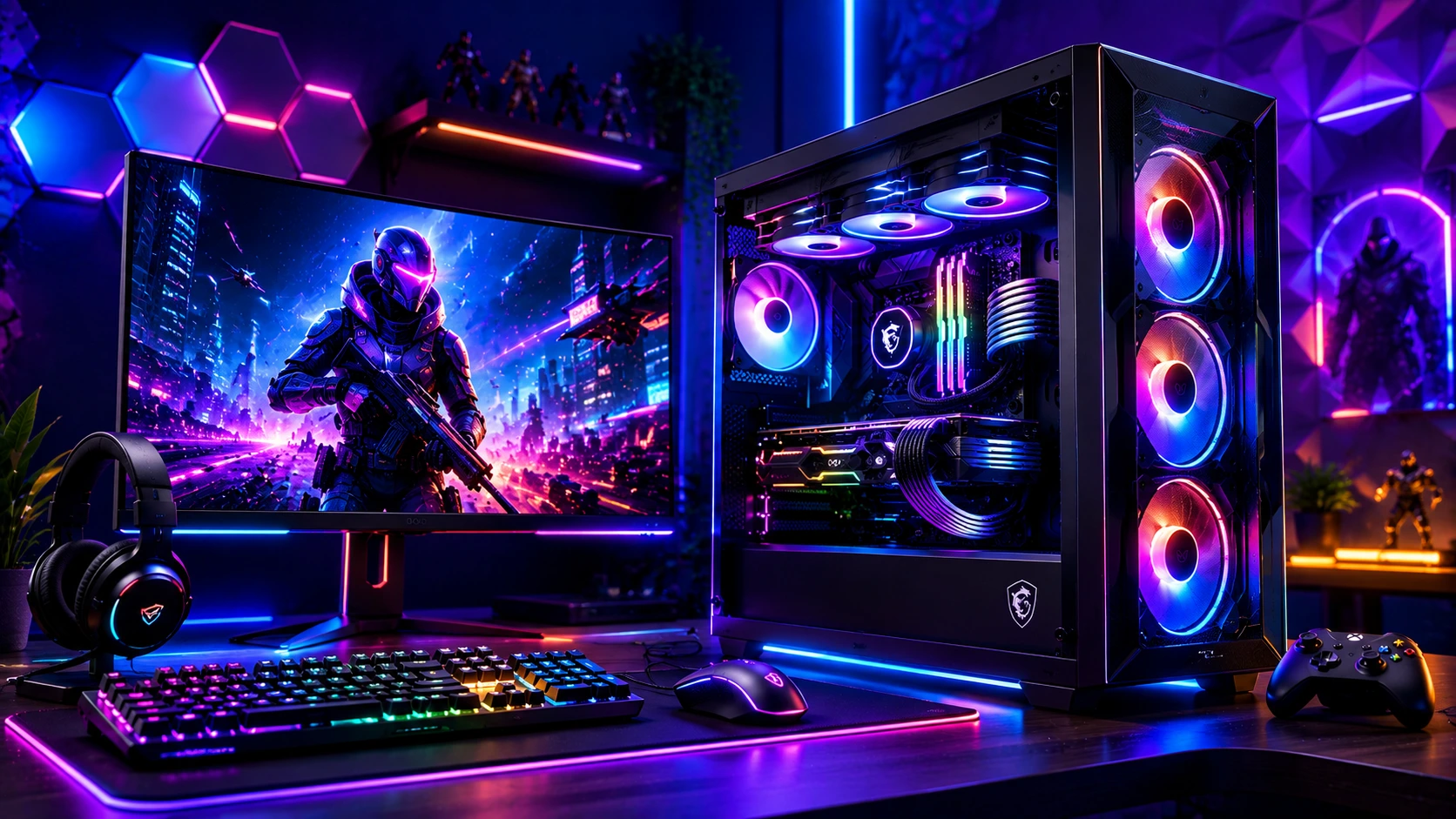
Is a Pre-Built Gaming PC Worth It in 2026?
Yes, with one important caveat. The pre-built market has matured dramatically since 2024. Manufacturers now genuinely ship systems with quality components, proper thermals, and real RTX 50-series GPUs instead of the budget padding that plagued the segment a few years ago. In many cases, a pre-built gaming PC now sells at a price close to or matching what it would cost to source and assemble the same components yourself, with the added benefit of professional assembly, cable management, and warranty coverage.
The caveat: 2026’s GPU and memory market has its own pressures. A GDDR7 and DDR5 memory shortage has pushed pre-built prices noticeably above where they’d normally sit, particularly on NVIDIA RTX 50-series systems, and there currently isn’t a genuinely good budget pre-built under roughly $1,200. That makes the “pre-built vs. custom” decision more situational in 2026 than in a typical year.
If you’re on the fence about whether to buy pre-built or assemble your own system, our step-by-step gaming PC build guide walks through the full DIY process so you can compare the real effort involved against simply buying a finished system.
Pre-built vs. Custom: Which Should You Choose in 2026?
This is the first decision to make before looking at a single spec sheet, and the honest answer depends on your priorities and the current market.
Choose a pre-built gaming PC if you want:
- Professional assembly, proper cable management, and tested thermals out of the box.
- Warranty coverage on the complete system rather than juggling separate component warranties
- Compatibility already solved, power supply sizing, case airflow, BIOS updates, and memory compatibility handled before the box reaches your door
- A faster path to playing, with no sourcing, building, or troubleshooting required
Choose a custom build if you want:
- Maximum control over every individual component
- The ability to RMA parts separately and upgrade piecemeal over time
- Potentially better price-to-performance, since a DIY build with the same specs can outperform an equivalent pre-built by 8–12% thanks to better cooling choices, faster RAM timings, and more deliberate power management
- No risk of proprietary parts (soldered RAM, non-standard PSU connectors) that some budget pre-built brands use to limit upgrade paths
The danger with prebuilts specifically is that a strong marquee component can hide weak choices everywhere else. A system advertised prominently around an RTX 5070 can still ship with too little RAM, a cramped case with poor airflow, a mediocre power supply, or a tiny 500GB SSD that needs an immediate upgrade. Always look past the headline GPU and check the full spec sheet before buying.
Pre-Built Gaming PC Specs: What to Look for at Each Resolution
The GPU remains the single most important component in determining what resolution and frame rate a pre-built gaming PC can realistically deliver:
| Target Resolution | Recommended GPU | Recommended RAM |
|---|---|---|
| 1080p (entry-level) | RTX 5060 / RX 9070 | 16GB DDR5 |
| 1440p (mainstream) | RTX 5060 Ti, RTX 5070, RX 9060 XT, RX 9070 | 32GB DDR5 |
| 4K (high-end) | RTX 5070 Ti, RTX 5080, RTX 5090, or comparable Radeon flagship | 32GB+ DDR5 |
A current six- to eight-core CPU is sufficient at every tier listed above AMD’s cache-heavy Ryzen 7 9800X3D remains the reigning gaming CPU champion for pure frame-rate performance, while six-core chips offer outstanding value at the entry and mainstream tiers. If you’re deciding between AMD and Intel for your next system, our breakdown of AMD vs. Intel for gaming covers where each platform currently has the edge heading into 2026.
On RAM specifically: 16GB DDR5 in a dual-channel configuration is the minimum recommended for gaming in 2026, but 32GB is increasingly the smarter buy if you stream, run Discord alongside games, or want genuine future-proofing against more demanding titles releasing through 2027–2028. Avoid any prebuilt that ships with a single 16GB stick rather than a dual-channel kit; dual-channel memory meaningfully affects gaming performance. For a deeper look at exactly how much memory different use cases actually need, see our guide on how much RAM is enough for gaming in 2026.
On storage: an SSD is non-negotiable in 2026. Any gaming PC still shipping with only a mechanical hard drive isn’t worth buying; modern game file sizes and load times demand NVMe storage. Look for at least a 1TB NVMe SSD; many sub-$1,300 prebuilts still ship with undersized 500GB drives that need an immediate $80–150 upgrade to be genuinely usable with a modern game library.
Pre-Built Gaming PC Buying Guide by Budget Tier
Entry-Level: Under $1,000 (1080p Gaming)
This is the tier hit hardest by 2026’s component shortage. Genuinely good name-brand prebuilts that used to live comfortably under $1,000 have largely gone out of stock or carry an inflated shortage premium. The honest advice for this range: buy the cheapest in-stock prebuilt that’s still a fair deal rather than overpaying for a sold-out configuration, and pay close attention to whether the system uses an RTX 5060 or RX 9070; either is a reasonable floor for 1080p gaming, but avoid anything still shipping with an older RTX 3060 or weaker at full price.
Entry-level prebuilts in this range typically pair an NVIDIA RTX 4060/5060 or AMD RX 7600/9070 with an Intel Core i5 or AMD Ryzen 5 processor. Brands like iBUYPOWER and SkyTech are common in this segment.
Mid-Range: $1,200–$1,800 (1440p The Sweet Spot)
This is where prebuilts currently offer their best overall value. Systems in this bracket commonly pair an RTX 4070 Super, RTX 5060 Ti, or RTX 5070 with a Ryzen 7 or Core i7 CPU, 32GB of DDR5 RAM, and a 1TB NVMe SSD. Real-world testing on systems in this range shows 1440p high-settings performance in the 100–160 FPS range on competitive titles like CS2 and Valorant, with 80–95 FPS in heavier AAA titles like Cyberpunk 2077.
A genuinely well-balanced example pairs an RTX 4070 Super with a Ryzen 7 processor, delivering 100–130 FPS at 1440p ultra settings in recent releases strong value compared to sourcing and building the same configuration yourself.
High-End: $1,800+ (4K and Flagship Performance)
High-end prebuilts in this tier feature flagship hardware RTX 5080, RTX 5090, or AMD’s RX 9070 XT paired with top-tier CPUs like the Core Ultra 9 285K or Ryzen 9 9950X/9800X3D. These systems consistently deliver 58–65 FPS at native 4K ultra settings in demanding titles, with ray tracing engaged, and well above that with DLSS 4 or FSR 4 upscaling active.
At this tier, cooling and case design genuinely matter as core specs rather than marketing flourishes. Compact high-end systems using dual-radiator liquid cooling loops can handle flagship CPU and GPU combinations with impressive thermal efficiency even in smaller cases, though that engineering typically comes at a premium price compared to a similarly specced full-tower system.
Common Pre-Built Gaming PC Mistakes to Avoid
Paying extra for RGB instead of better hardware. Lighting doesn’t make your games run faster. It’s genuinely common to see buyers pay $150–200 more for a system with flashier lighting when that money would have bought a meaningfully better GPU or more RAM in an otherwise identical configuration.
Ignoring the power supply. This is where cheap prebuilts most often cut corners, and it’s the one component where a failure can damage everything else in the system. Look for at least 650W from a reputable brand (Corsair, EVGA, Seasonic, Thermaltake, or a major system builder’s own quality PSU), and more at the high-end tier; most 4K-class builds ship with 850W–1000W units for good reason.
Accepting an undersized SSD. A 500GB drive is genuinely too small once you account for the operating system plus even a couple of modern AAA titles, many of which now exceed 100–150GB each. Budget for an immediate storage upgrade if a tempting deal ships with anything less than 1TB.
Missing signs of poor thermal design. A prebuilt that runs hot under sustained load will throttle performance even if the spec sheet looks impressive. If you’ve already bought a system and you’re noticing dropping frame rates during longer sessions or unusually loud fan noise without a performance payoff, our guide on PC overheating causes and how to fix it covers the most common culprits and fixes.
Assuming every prebuilt is upgradeable. Most mid-range and high-end prebuilts use standard ATX cases and components, allowing GPU and RAM upgrades down the line. Some budget prebuilts, however, use proprietary power supplies or cramped cases that limit upgrade options significantly. Always confirm the PSU wattage, case clearance, and whether the motherboard uses a standard form factor before assuming you can upgrade later.
Pre-Built Gaming PC FAQ
Is a prebuilt gaming PC cheaper than building your own in 2026?
It depends on the current market. In a typical year, custom builds usually save 15–25% over an equivalent prebuilt. In 2026, a GDDR7/memory shortage has pushed prebuilt prices up across the board, which has narrowed and in some cases erased that gap, particularly at the budget tier.
What GPU should a prebuilt gaming PC have in 2026?
For 1080p gaming, an RTX 5060 or RX 9070 is the floor. For 1440p, look for an RTX 5060 Ti or RTX 5070. For 4K or high-refresh gaming, an RTX 5080 or RTX 5090 delivers the best experience.
How much RAM should a pre-built gaming PC have?
16GB DDR5 in dual-channel configuration is the realistic minimum for gaming in 2026. 32GB is worth the modest extra cost if you stream, multitask heavily, or want genuine future-proofing.
Can I upgrade a prebuilt gaming PC later?
Usually yes, but with limitations. Most mid-range and high-end prebuilts use standard components that support GPU and RAM upgrades. Some budget prebuilts use proprietary parts that restrict upgrade options; always check before buying if upgradeability matters to you.
What’s the best budget for a 1440p prebuilt gaming PC right now?
Roughly $1,200–$1,800 is the realistic mid-range sweet spot in 2026, typically pairing an RTX 5060 Ti or RTX 5070 with 32GB of RAM and a 1TB NVMe SSD.
Why are prebuilt gaming PC prices higher than usual in 2026?
A GDDR7 and DDR5 memory shortage has pushed component costs up industry-wide, with the effect most pronounced on NVIDIA RTX 50-series systems and at the budget end of the market.
Should I avoid prebuilts with a lot of RGB lighting?
Not necessarily avoid them, but don’t pay a premium for lighting alone. Compare the underlying GPU, CPU, RAM, and storage specs against a similarly priced, less flashy alternative; the hardware underneath is what determines your actual gaming performance.
Final Verdict
A pre-built gaming PC in 2026 is a genuinely solid choice for most buyers. The market has matured well past the budget-padding reputation it carried a few years ago, and a good prebuilt now solves real friction points like compatibility, thermals, and warranty support that a first-time builder might otherwise struggle with. The key is looking past the headline GPU on the box: check the RAM configuration, the SSD capacity, the power supply quality, and whether the case allows future upgrades. Match your resolution target to the right GPU tier, budget accordingly for 2026’s elevated component pricing, and you’ll end up with a system that performs as well as its spec sheet promises, not just as well as its marketing copy suggests.
