

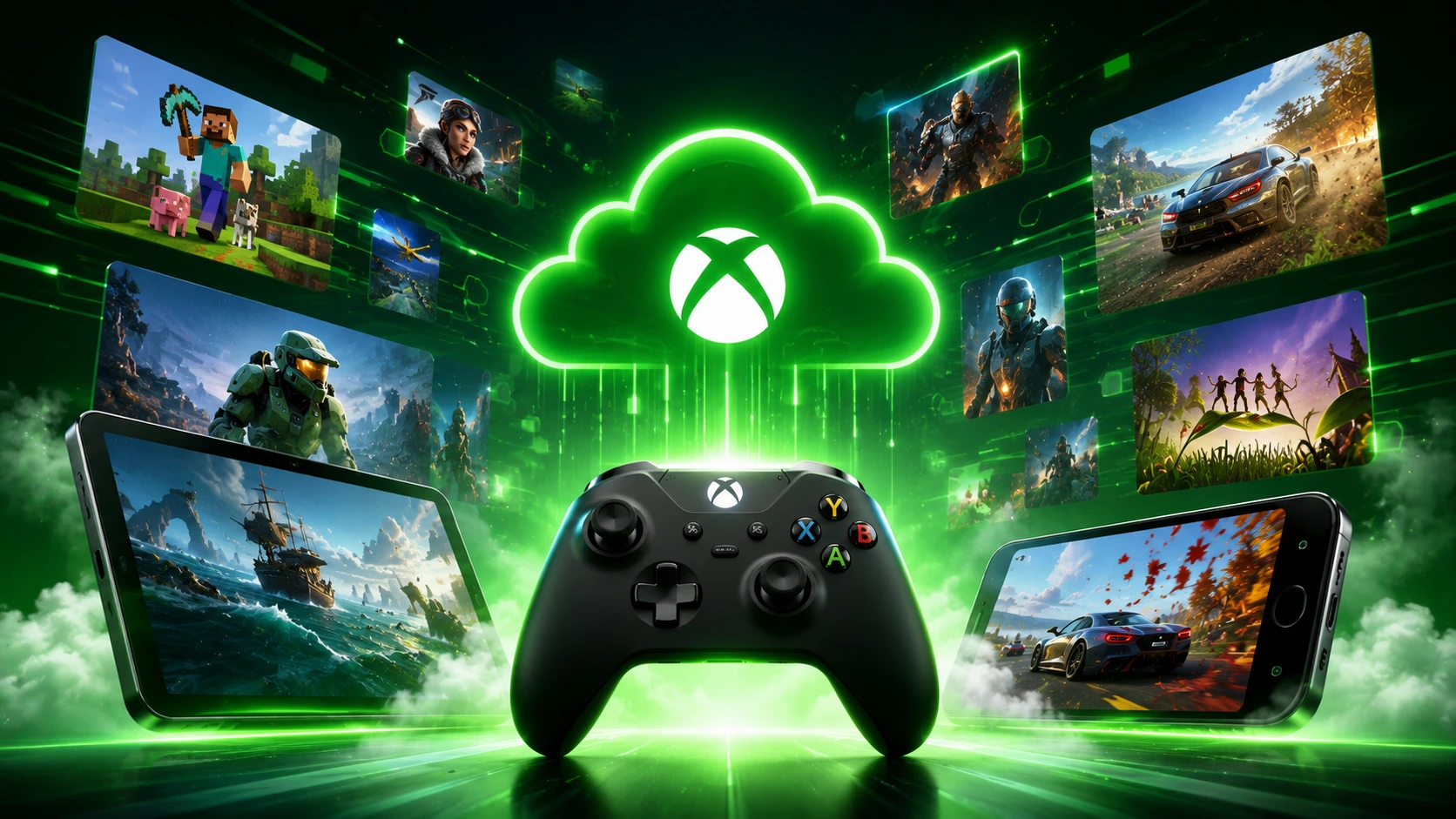
What Is Xbox Cloud Gaming?
Xbox Cloud Gaming is Microsoft’s game-streaming service that lets you play console-quality Xbox games on devices you already own phones, tablets, PCs, smart TVs, and more without needing an Xbox console at all. Instead of running on your local hardware, the game runs on Microsoft’s remote servers and streams the video and audio to your screen in real time, while your controller inputs travel back to the server over the internet.
The service was originally developed under the codename Project xCloud, entered beta in November 2019, and officially launched for Xbox Game Pass Ultimate subscribers on September 15, 2020. It came out of its extended beta period in October 2025 and is now bundled into the Premium and Ultimate tiers of Xbox Game Pass. As of the most recent fiscal reporting, Xbox’s content and services revenue hit a record $8.2 billion for the quarter, with cloud gaming playing an increasingly central role in Microsoft’s “Xbox is Every Screen” strategy a deliberate shift toward making Xbox a platform you can access anywhere, not just through dedicated hardware.
If you’re deciding between cloud gaming and buying physical hardware, our breakdown of what’s included in Xbox Game Pass Ultimate covers exactly what you get with the subscription tier that unlocks cloud gaming access.
What Do You Need to Use Xbox Cloud Gaming?
Getting started requires four things, and you likely already have most of them:
- A Microsoft account — free to create at account.microsoft.com
- An Xbox Game Pass subscription — Essential, Premium, or Ultimate all include cloud gaming access; standard PC Game Pass does not
- A supported device — a phone, tablet, PC, smart TV, VR headset, or Xbox console
- A stable internet connection — at least 10 Mbps, with 20–25 Mbps recommended for the smoothest 1080p experience
You’ll also want a controller. A handful of titles support on-screen touch controls on mobile, but the vast majority of the library is built around traditional controller input, whether Bluetooth or USB.
Xbox Game Pass Tiers and Cloud Gaming Access
| Plan | Monthly Price (US) | Includes Cloud Gaming? |
|---|---|---|
| PC Game Pass | $11.99 | No |
| Xbox Game Pass Essential | $10.99 | Yes |
| Xbox Game Pass Premium | $14.99 | Yes |
| Xbox Game Pass Ultimate | $19.99 | Yes (plus EA Play, console + PC access) |
It’s a detail that trips up a lot of new subscribers: standard PC-only Game Pass does not include cloud gaming. If your goal is to stream games to a phone, tablet, smart TV, or any device without a console, you need one of the three plans above that specifically include the cloud tier Essential, Premium, or Ultimate.
If you own a cloud-supported game outside the Game Pass library entirely including titles purchased from the Microsoft Store you can still stream it through the cloud as long as you maintain an active qualifying subscription. Microsoft has also been expanding cloud support to select non-Game Pass titles and select Ubisoft+ Premium games, with the list updated regularly.
How to Set Up Xbox Cloud Gaming on Every Device
Setup takes under five minutes on virtually any supported device. Here’s the process for each major platform:
Phone, Tablet, or Mac
Open Safari or Chrome and go to xbox.com/play. Sign in with your Microsoft account, browse the cloud-enabled library (look for the cloud icon next to each title), and select a game to start streaming immediately. No app download is required.
Windows PC
You can either use a browser the same way as mobile, or install the Xbox app for a richer experience that includes your friends list, notifications, and a more integrated interface alongside cloud streaming.
Smart TVs
Samsung TVs from 2020 onward (via the Samsung Gaming Hub) and LG TVs running webOS 24 or newer support a native Xbox app, downloadable directly from each TV’s built-in app store. Sign in using the on-screen QR code scanning it with your phone is faster than manually entering your Microsoft credentials on a TV remote then pair your controller via Bluetooth.
Amazon Fire TV
Supported on the Fire TV Stick 4K Max, Fire TV Cube (3rd generation and newer), Fire TV Stick 4K Select/Plus, and select Omni QLED TVs. Install the Xbox app from the Fire TV app store and follow the same sign-in process.
Xbox Consoles
Cloud gaming is built directly into the console experience simply select a game from your dashboard and choose Play from Cloud instead of installing it locally. This is especially useful for jumping into a game immediately while a local install finishes downloading in the background.
Meta Quest VR Headsets
Supported on Quest 2, Quest Pro, Quest 3, Quest 3S, and the newer Quest 3S Xbox Edition, which ships with the Xbox app pre-installed, a custom controller, and three months of Game Pass Ultimate bundled in. Inside the headset, you get a massive virtual screen in a virtual environment, making it one of the more novel ways to experience console gaming without a physical TV.
iPhone and iPad
There is no standalone Xbox Cloud Gaming app on the Apple App Store, due to Apple’s platform policies. Microsoft’s workaround is browser-based access through Safari at xbox.com/play, with an “Add to Home Screen” option that creates an icon functioning much like a native app.
Steam Deck
Setup is more involved than other devices, requiring Microsoft Edge to be manually installed while in SteamOS desktop mode, since Steam Deck doesn’t ship with a standard web browser by default.
For players weighing whether cloud gaming or a dedicated Xbox console better fits their needs, our comparison of PS5 vs. Xbox Series X covers the hardware tradeoffs that cloud streaming can help you sidestep entirely.
How Many Games Are on Xbox Cloud Gaming?
As of mid-2026, the Xbox Game Pass library lists 400+ cloud-enabled titles, including major releases like Halo Infinite, Forza Horizon 5, Sea of Thieves, Starfield, Payday 3, and Palworld, alongside classics like Halo: The Master Chief Collection and Microsoft Flight Simulator. It’s worth noting this is a subset of the full Game Pass library rather than every title not all 500+ games in the broader catalog are cloud-enabled, so it’s worth checking for the cloud icon before assuming a specific game will stream.
Touch control support has also expanded significantly. Hellblade: Senua’s Sacrifice was the first title to support full touch controls, and that feature has since rolled out to roughly 186 additional games, making mobile play viable even without a physical controller for a meaningful chunk of the library.
Xbox Cloud Gaming vs. Xbox Remote Play: What’s the Difference?
This is one of the most common points of confusion, and the distinction matters a lot for deciding which one fits your situation:
| Feature | Xbox Cloud Gaming | Xbox Remote Play |
|---|---|---|
| Requires owning a console? | No | Yes |
| Where the game actually runs | Microsoft’s remote servers | Your own Xbox console at home |
| Network requirement | Standard internet connection | Your home network (or port forwarding for remote use) |
| Game library access | Game Pass cloud-enabled titles | Any game installed on your console |
In short: Cloud Gaming streams from Microsoft’s infrastructure, and you don’t need to own a console at all. Remote Play streams from your own physical Xbox sitting at home, meaning you do need to already own one, and the experience depends on your home internet’s upload speed rather than Microsoft’s server capacity.
Is Xbox Cloud Gaming Free?
Not by default. Cloud Gaming requires an active Xbox Game Pass subscription at the Essential tier or above there is no permanent free tier for the full library. That said, there are a couple of ways to access it without paying full price:
Free-to-play titles like Fortnite can be streamed with nothing more than a free Microsoft account, no subscription required at all.
An ad-supported free tier has been spotted in testing during 2026, offering limited playtime reportedly around one hour per session after watching a short ad, similar in concept to NVIDIA GeForce NOW’s free tier. This has not been officially, permanently launched as of this writing, and references to it have mostly appeared as loading-screen hints rather than a confirmed rollout. Keep an eye on official Xbox announcements for confirmation.
New subscribers can often find discounted first-month offers (sometimes as low as $1) or a free trial period, giving you a no-commitment way to test the service before paying full price.
Xbox Cloud Gaming Performance: What to Expect
Resolution and frame rate: The standard output as of 2026 is 1080p at 60 FPS. There’s no 4K streaming tier currently available.
Latency: Expect roughly 60–100ms of input lag on a wired connection in supported regions, with that figure increasing on Wi-Fi or if you’re physically farther from Microsoft’s nearest server. This is genuinely higher than local console or PC gaming, and it’s the single biggest factor in whether cloud gaming feels acceptable for a given genre slower-paced or single-player games tend to handle this far better than competitive, twitch-reflex shooters.
Connection stability matters more than raw speed. Microsoft specifically recommends using 5GHz Wi-Fi or a wired Ethernet connection over standard 2.4GHz Wi-Fi, since consistency in the connection affects streaming quality more than simply having a higher maximum bandwidth number. If you’re experiencing choppy streams or input delay, our guide on reducing lag in online games covers network troubleshooting steps that apply directly to cloud streaming as well.
Real-world reports have generally been positive. Some users have noted playing smoothly even over a moving bus or train using a basic LTE connection at around 25 Mbps, with no noticeable drop in image quality a strong signal of how far the underlying streaming technology has matured since its original 2019 beta.
Where Is Xbox Cloud Gaming Available?
Xbox Cloud Gaming is currently available in 29 countries, including the United States, Canada, the United Kingdom, Australia, Germany, France, Japan, Brazil, India, and Mexico, among others. Availability and the specific game library can vary slightly by region, so it’s worth checking your local Xbox support page if you’re traveling or have recently relocated.
Xbox Cloud Gaming FAQ
Do I need an Xbox console to use Xbox Cloud Gaming?
No. That’s the core value of the service it streams from Microsoft’s servers, meaning a phone, tablet, PC, or supported smart TV is all you need.
What subscription do I need for Xbox Cloud Gaming?
Xbox Game Pass Essential, Premium, or Ultimate all include cloud gaming. Standard PC-only Game Pass does not include it.
Is Xbox Cloud Gaming the same as Xbox Remote Play?
No. Cloud Gaming streams from Microsoft’s remote servers and requires no console ownership. Remote Play streams from your own physical Xbox at home and requires you to already own one.
What internet speed do I need for Xbox Cloud Gaming?
A minimum of 10 Mbps is required, but Microsoft recommends 20–25 Mbps for the smoothest 1080p experience, along with a 5GHz Wi-Fi or wired connection for stability.
Can I play Xbox Cloud Gaming on an iPhone?
Yes, through a browser. There’s no standalone App Store app due to Apple’s policies, but you can access the full service through Safari at xbox.com/play and add it to your home screen for quick access.
Does Xbox Cloud Gaming support 4K?
No. The current standard output is 1080p at 60 FPS.
Is Xbox Cloud Gaming free?
Not by default it requires a qualifying Game Pass subscription. Free-to-play games like Fortnite can be streamed with just a free Microsoft account, and an ad-supported limited free tier has appeared in testing but is not officially launched as a permanent feature yet.
How many games are available on Xbox Cloud Gaming?
Over 400 titles are cloud-enabled as of mid-2026, a growing subset of the full Xbox Game Pass library.
Final Thoughts
Xbox Cloud Gaming has matured from an experimental beta into one of the most genuinely convenient ways to play console games today no hardware purchase required, no waiting on downloads, and access from devices most people already own. The tradeoffs are real (1080p ceiling, added latency, and a library that’s a subset rather than the full Game Pass catalog), but for slower-paced single-player games, trying something new without committing to a download, or simply gaming away from your main setup, it’s one of the most accessible entry points into console gaming that currently exists.
