

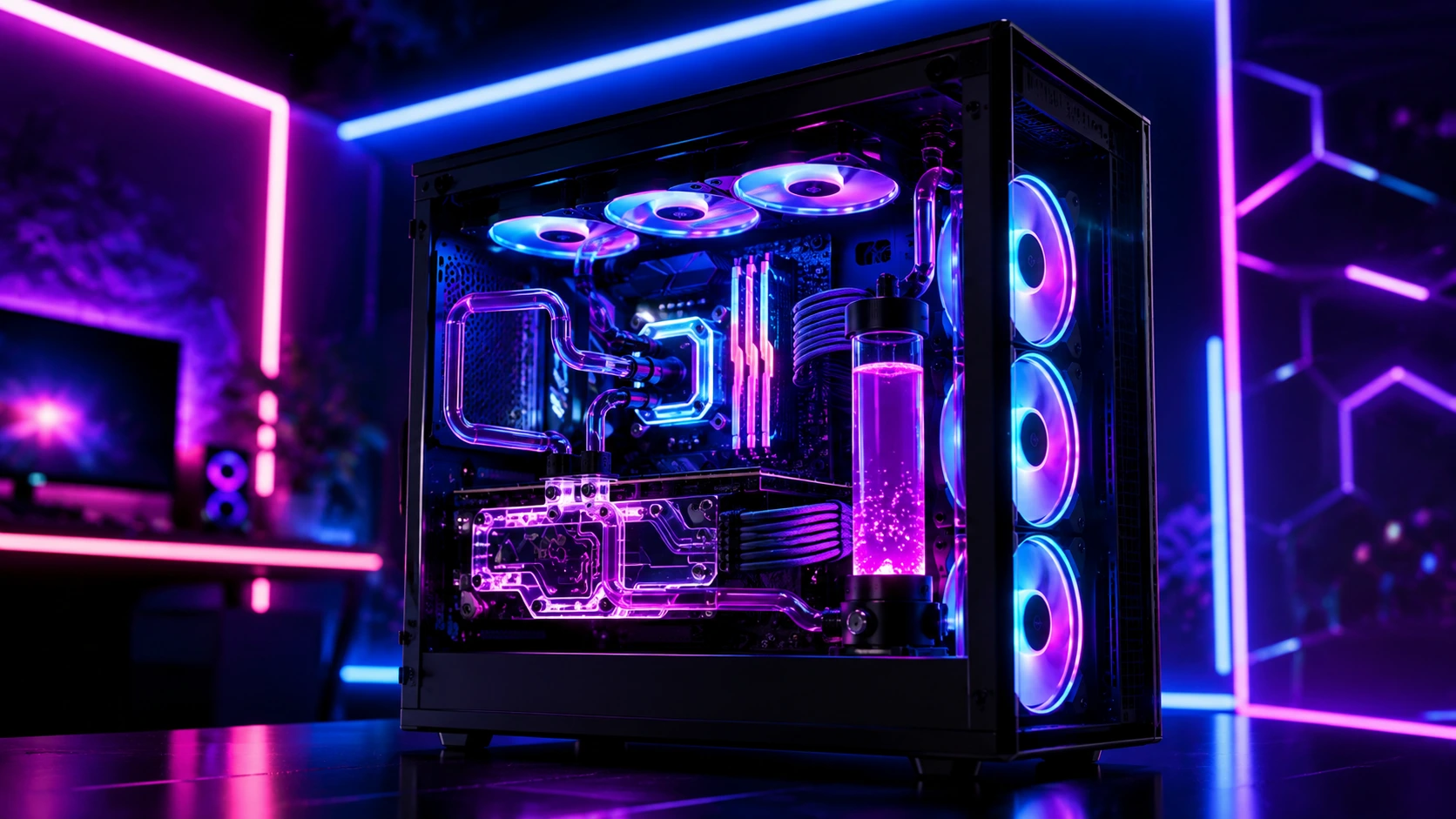
What Makes a Good Gaming PC in 2026?
A gaming PC in 2026 needs to balance four things correctly: a modern discrete GPU, a current six-to-eight-core CPU, 16GB to 32GB of RAM, and at least a 1TB NVMe SSD. That answer fits cleanly into a buying guide, but it hides the real story of this year’s market: building or buying the right gaming PC has become less about chasing the highest-tier component and more about choosing the right combination of compromises for how you actually play.
The performance ceiling has never been higher NVIDIA’s RTX 50-series and AMD’s Radeon RX 9000 series both span the full spectrum from entry-level to flagship but the smartest buy isn’t necessarily the system with the biggest graphics card. It’s the one that spends money where your monitor, your favorite games, and your upgrade plans can actually put it to use. For a deeper, step-by-step walkthrough of assembling a system yourself, our complete gaming PC build guide covers the full process from parts list to first boot.
Gaming PC Specs What Actually Matters in 2026
GPU: The Component That Determines Your FPS
Your graphics card is the single most important component in any gaming PC, since it directly determines which resolution and frame rate you can realistically target.
| Resolution Target | Recommended GPU Tier |
|---|---|
| 1080p (entry-level) | RTX 5060, RX 9060 |
| 1440p (mainstream) | RTX 5060 Ti, RTX 5070, RX 9060 XT, RX 9070 |
| 4K (high-end) | RTX 5070, RTX 5090, or comparable Radeon flagship |
NVIDIA’s RTX 50-series (Blackwell architecture) launched in early 2026 at an elevated MSRP roughly 20–30% above the prior generation while RTX 40-series pricing dropped sharply in response. If you’re shopping on a tighter budget, a discounted RTX 40-series card can still be excellent value, though it won’t carry the same forward compatibility or driver optimization advantages that newer titles will increasingly lean on through 2027 and beyond.
One detail that catches a lot of buyers off guard: VRAM scarcity causes stuttering, not necessarily lower frame rates. An 8GB card will run 1440p games, but you may notice occasional micro-stutters once a game’s textures exceed available VRAM. If you’re buying for 1440p or higher, prioritize 12GB of VRAM or more whenever your budget allows it.
For a closer look at how today’s top-tier cards stack up directly against each other, our breakdown of the RTX 5090 vs. AMD Radeon RX 7900 XTX compares performance, pricing, and where each card makes the most sense.
CPU: Pair It to Your GPU, Don’t Just Buy the Biggest
The CPU’s job in a gaming PC is to keep your GPU fed with data fast enough that it never sits idle waiting. A mismatched pairing wastes money on both ends:
- Underpowered CPU + powerful GPU: The GPU sits underutilized because the CPU can’t keep up you leave real FPS on the table.
- Powerful CPU + weak GPU: The CPU idles well below its potential because the GPU is the actual bottleneck an expensive chip going to waste.
As a rule of thumb, CPU cost should represent roughly 20–30% of your total build budget, with the GPU taking up 35–45%. AMD’s cache-heavy Ryzen 7 9800X3D remains the reigning gaming CPU champion for raw frame-rate performance, while six-core chips like the Ryzen 5 9600X offer outstanding value for 1080p and most 1440p builds. If you also stream or run Discord and OBS alongside your games, an eight-core option like the Ryzen 7 7700X handles that multitasking far more comfortably.
If you’re trying to decide between AMD and Intel for your next build, our detailed comparison of AMD vs. Intel for gaming breaks down where each platform currently has the edge.
RAM: 32GB Is the 2026 Sweet Spot
16GB remains technically sufficient for gaming today, but 32GB has become the realistic sweet spot for 2026 builds, future-proofing your system against the next two to three years of game releases for a relatively small price difference often under $50 more than a 16GB kit. RAM capacity matters more than RAM speed for most gamers: a jump from DDR5-4800 to DDR5-6000 with tighter CL30 timings yields only a 3–8% FPS difference, while doubling your capacity from 16GB to 32GB protects you against stuttering in increasingly memory-hungry titles.
64GB is generally unnecessary unless you’re combining gaming with heavy streaming or content creation workflows. For a full breakdown of how much memory you actually need based on your use case, see our guide on how much RAM is enough for gaming in 2026.
Storage: NVMe Is Standard, Capacity Matters More Than Speed
Gen4 NVMe SSDs (around 7,000 MB/s read speed) remain perfectly sufficient for gaming in 2026 and are the dominant standard across most builds. Gen5 NVMe drives offer dramatically higher theoretical speeds, but the real-world gaming benefit is marginal games load roughly 2–3 seconds faster, which is only worth the $40–60 price premium if you’re deliberately future-proofing beyond 2027.
Capacity is where buyers more commonly go wrong. A 512GB drive is a tight fit once you account for your operating system (around 60GB) plus even one or two modern AAA titles, many of which now exceed 100–150GB each. If you maintain a diverse game library, 2TB is a safer minimum a single combination like Baldur’s Gate 3, Cyberpunk 2077, and Final Fantasy VII Rebirth can easily consume 400GB+ before you’ve added a single competitive esports title.
Power Supply: Don’t Cut Corners Here
Your PSU is the one component where cutting costs creates real risk to everything else in your system. A cheap, unreliable 650W unit can fail and take your motherboard or GPU down with it. The basic formula to follow: PSU wattage = CPU TDP + GPU TDP + 200W of headroom. A system pairing a Ryzen 7 9800X3D (120W) with an RTX 4080 (320W) needs roughly 640W at minimum most builders round up to 850W–1000W both for safety margin and to leave room for a future GPU upgrade. Spending $80–100 on a reputable 80+ Gold unit is genuinely worthwhile insurance against a far more expensive component failure down the line.
Gaming PC Specs by Budget Tier
Entry-Level: 1080p Esports and Casual Gaming (Under $800)
A serious entry-level gaming PC needs a modern discrete GPU like the RTX 5060 or RX 9060, paired with a Core i5/Core Ultra 5 or Ryzen 5-class CPU, 16GB of RAM, and ideally a 1TB NVMe SSD. This tier comfortably handles esports titles like CS2, Valorant, Apex Legends, and Fortnite at 144+ FPS, along with most single-player games at 1080p high settings.
What to watch for: the “danger zone” at this price point is the too-cheap gaming PC systems pairing a weak GPU with only 8GB of RAM and a small SSD, dressed up in RGB lighting that promises more than the hardware can actually deliver. Prioritize a sane, balanced foundation over flashy aesthetics.
Mainstream: 1440p Gaming (Roughly $900–$1,500)
A strong mainstream 1440p gaming PC should be built around an RTX 5060 Ti, RTX 5070, RX 9060 XT, or RX 9070, paired with 32GB of RAM. This tier delivers smooth 100+ FPS performance at 1440p across most modern AAA titles, including ray-traced games when paired with DLSS or equivalent upscaling technology.
A genuinely well-balanced example in this range pairs an RTX 4070 Super with a Ryzen 5 9600X a configuration that delivers 1440p performance at 80–100 FPS with real upgrade flexibility down the line, without forcing you into flagship-tier pricing.
High-End: 4K and Maximum Settings (Roughly $1,800+)
A genuine 4K gaming PC needs to move into RTX 5080 or RTX 5090 territory, or a comparable high-end Radeon card, paired with a top-tier CPU like the Ryzen 7 9800X3D. At this tier, cooling and power delivery should be treated as core specifications rather than afterthoughts a 360mm liquid cooler and a properly sized 850W 80+ Gold PSU are standard expectations, not luxuries.
This is also the tier where ray tracing becomes fully viable without major compromise. Keep in mind that enabling ray tracing can still drop frame rates by 30–50% across virtually any GPU, so if you want 4K with ray tracing engaged at 60+ FPS, plan to step up one tier higher than you initially think you need.
Prebuilt vs. Custom Gaming PC: Which Should You Choose?
This is one of the most common questions gaming PC shoppers face, and the honest answer depends heavily on current market conditions.
Custom building typically saves 15–25% upfront compared to an equivalent prebuilt system and gives you complete control over component selection, brand preferences, and future upgrade paths. It also lets you avoid proprietary parts that some prebuilt manufacturers use to lock customers into their own (often overpriced) replacement components.
Prebuilt systems offer convenience, warranty coverage, and in 2026’s GPU-constrained market sometimes genuinely competitive pricing when a manufacturer has secured better supply allocation than individual component retailers. Look specifically for prebuilts that disclose their exact motherboard, PSU brand, and cooling solution rather than vague marketing language, since some budget prebuilts cut corners in places that don’t show up on a basic spec sheet.
As of mid-2026, a GDDR7 memory shortage has pushed prebuilt prices noticeably above where they’d normally sit, particularly for NVIDIA RTX 50-series systems. This has made custom builds comparatively better value than usual, and AMD Radeon-based builds are also delivering stronger price-to-performance in the current market compared to a typical year.
For players debating whether to stick with console gaming instead of building a PC entirely, our comparison of PC vs. console gaming walks through the tradeoffs in cost, performance, and exclusive game libraries.
Common Gaming PC Buying Mistakes to Avoid
Overspending on CPU while underspending on GPU. The GPU does the heavy lifting for frame rate in nearly every game. A mismatched system with an expensive CPU and a budget GPU almost always underperforms a more GPU-focused build at the same total price.
Ignoring cooling until it’s a problem. Poor airflow and inadequate cooling lead to thermal throttling, where your CPU or GPU automatically reduces performance to avoid overheating silently costing you frame rate without any obvious warning sign. If your system already shows signs of running hot, our guide on PC overheating causes and how to fix it covers the most common culprits and fixes.
Skipping thermal paste quality on a CPU cooler upgrade. A quality thermal paste application can lower CPU temperatures by 5–10°C compared to old or poorly applied paste, directly helping you avoid throttling under sustained load.
Buying last-generation hardware at current-generation prices. A discounted older GPU can be a legitimate deal, but only if the discount is real. Paying a modern price for an outdated card is simply inventory management dressed up as a sale.
Underestimating storage needs. As covered above, modern AAA game file sizes have grown dramatically. Buying a system with too little storage is one of the most common regrets new gaming PC owners report within their first year of ownership.
Gaming PC FAQ
What is a good budget for a gaming PC in 2026?
A capable 1080p gaming PC starts around $700–$800. A strong 1440p system generally falls between $900 and $1,500. A true 4K-capable flagship build typically starts around $1,800 and can extend well beyond $3,000 depending on GPU tier.
Is it cheaper to build a gaming PC or buy a prebuilt?
Custom building typically saves 15–25% over an equivalent prebuilt system, though that gap can narrow during periods of GPU shortage when prebuilt manufacturers have secured better component allocation than individual retailers.
How much RAM do I need for gaming in 2026?
32GB is currently the sweet spot for most gamers, offering meaningful future-proofing for a relatively small price increase over 16GB. 64GB is only necessary if you’re combining gaming with streaming or content creation.
Should I buy an RTX 50-series or RTX 40-series GPU?
RTX 50-series cards offer the latest architecture, DLSS 4, and better long-term driver support, but launched at elevated pricing. RTX 40-series cards have dropped significantly in price and remain excellent value if you’re gaming now and don’t need the absolute latest features.
How much storage do I need for a gaming PC?
1TB is the minimum realistic starting point, but if you maintain a diverse game library, 2TB is a safer baseline given that many modern AAA titles now exceed 100–150GB each.
What’s the most important component in a gaming PC?
The GPU has the largest direct impact on your frame rate and visual quality at any given resolution, making it the component most worth prioritizing in your budget.
Do I need liquid cooling for a gaming PC?
Not necessarily. Quality air coolers handle CPUs up to roughly 120W comfortably and require no maintenance. Liquid cooling becomes more valuable for higher-TDP CPUs or compact cases with limited airflow.
Final Verdict
The best gaming PC in 2026 isn’t defined by chasing the single most powerful component you can afford it’s defined by building a balanced system where your GPU, CPU, RAM, storage, and power supply all work together without bottlenecking each other. Start with the resolution and frame rate you actually want to target, choose a GPU that comfortably serves that goal, then build the rest of the system around it without skimping on cooling, storage, or power delivery. Whether you build it yourself or buy a well-disclosed prebuilt, that approach will outperform a flashier-looking system every time.
