

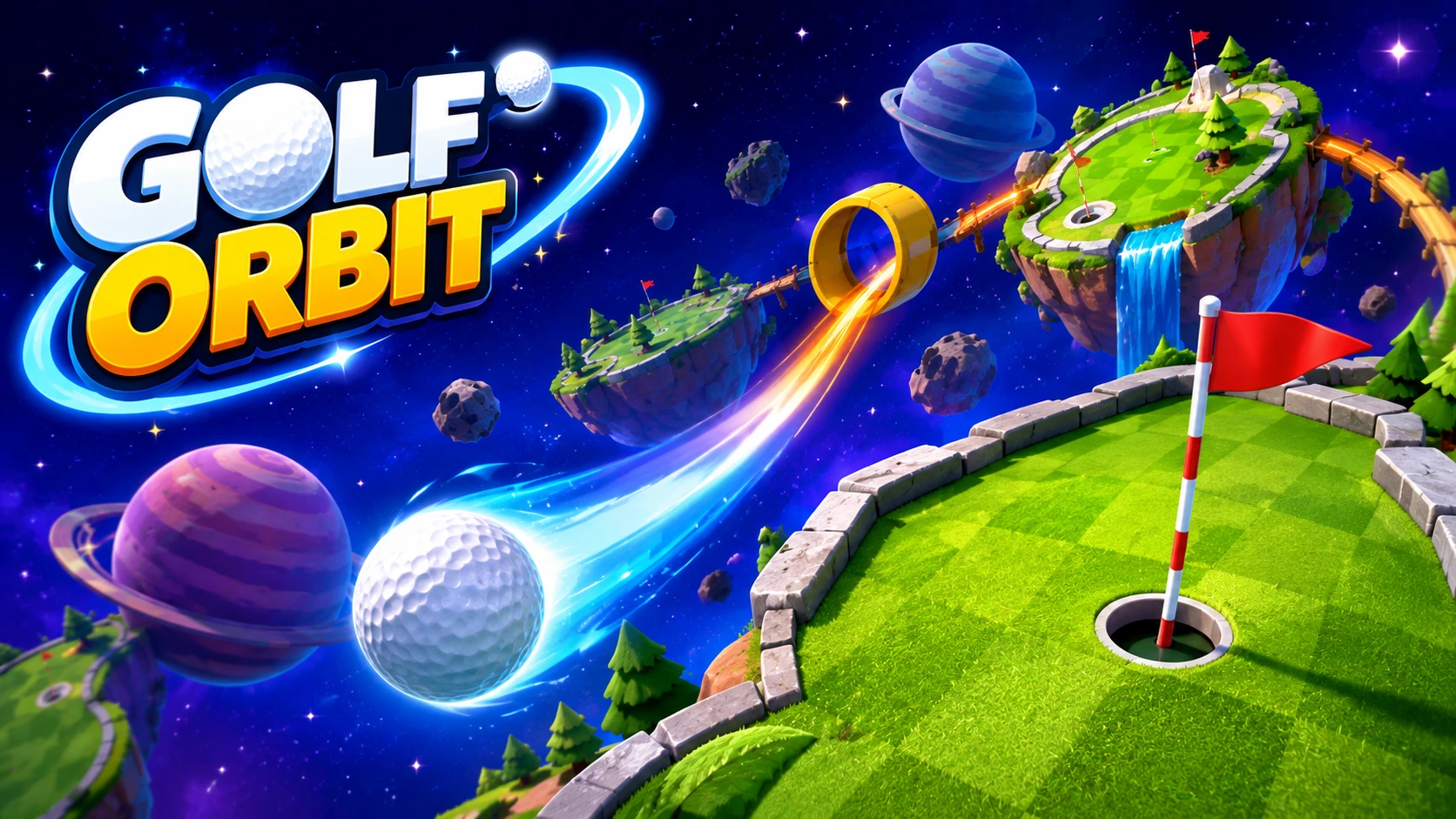
Golf Orbit unblocked is a free browser-based arcade golf game where the goal isn’t to sink a putt it’s to smash a golf ball as far as physically possible, bouncing it off ramps, slopes, and obstacles until it reaches the stratosphere and beyond. No download, no account, works on school Chromebooks and any browser right now.
What Is Golf Orbit Unblocked?
Golf Orbit unblocked is a one-tap physics launcher game available directly at golforbit.ca and golf-orbit.org both of which require no account and load instantly in any browser. The official mobile app exists on iOS and Android, but the browser version is fully identical and is the one most players use at school or work.
The core loop: swing the club, watch the ball fly, collect coins along the flight path, and spend those coins on three upgrades that send the ball further each run. Distance milestones automatically unlock new worlds with new obstacles, terrain, and visual themes — from rolling green fairways to outer space.
If you enjoy casual progression games that reward short, satisfying sessions, Tiny Fishing Unblocked runs on the same “earn-upgrade-go-further” loop and works on the same restricted school networks. And for a broader list of browser games that pass most school filters, this guide to unblocked G games covers the full range.
How to Play Golf Orbit Unblocked
Step 1 — Aim Your Shot
Before touching the screen, look at the angle indicator. The direction your clubface points determines the launch angle of the ball. A too-flat angle keeps the ball low and kills carry distance. Too steep kills roll and bounce distance after landing. The sweet spot is a mid-range arc — high enough to carry over early obstacles, low enough to use terrain as a multiplier rather than fighting it.
Step 2 — Time the Power Bar
Click or tap once to start your swing. A power bar fills and oscillates — it moves back and forth through zones ranging from weak to maximum power. Release at the peak of the power zone for a full-strength hit. Missing the peak by even a small margin cuts your distance noticeably.
The trick most new players miss: watch the rhythm of the bar for 2–3 cycles before hitting. The oscillation speed is consistent. A few seconds of observation locks in the timing before you commit.
Step 3 — Collect Coins During Flight
Coins appear along the flight path as the ball travels. They spawn in mid-air trails and at specific distance markers. You don’t have to do anything to collect them — the ball picks them up automatically as it passes through. More distance naturally means more coins, which is another reason early upgrade investment in Power pays back quickly.
Step 4 — Spend Coins on Upgrades
After each run, you return to the upgrade menu. Spend coins here before the next swing. The three upgrade categories are covered in detail below — the order you buy them matters significantly for how fast progression accelerates.
Golf Orbit Unblocked Controls
| Platform | Action | Input |
|---|---|---|
| Desktop | Start swing | Left Click |
| Desktop | Set power (release) | Left Click again |
| Mobile / Tablet | Start swing | Tap |
| Mobile / Tablet | Set power (release) | Tap again |
That’s the entire control scheme. Golf Orbit unblocked is a two-click game by design. The difficulty is entirely in timing — not in complex inputs. Mouse clicks give more precise timing control than touchscreen taps on faster power bars, which is why desktop or Chromebook play is recommended for high-distance attempts.
Golf Orbit Upgrade System: Priority Order Explained
Three upgrades available. The order you prioritize them determines how fast the game opens up.
1. Strength (Power) — Upgrade This First
Strength directly increases how fast and far the ball launches from the tee. It’s the foundational stat. Every other upgrade benefits more from a higher base power — a high Bounce Height with low Strength means the ball bounces more on short flights.
Max this upgrade out first. The distance improvement per coin spent is highest here in early-game, and it unlocks the next upgrade’s potential significantly faster than any other sequence.
2. Accuracy — Upgrade This Second
Accuracy determines whether the ball launches straight or veers off-center. Off-center hits in Golf Orbit unblocked don’t just look bad — they cut real distance. A slightly off-center swing at high power loses as much distance as a full power level of strength.
Once Strength is at a comfortable level, Accuracy stops you from wasting that power on crooked shots. The improvement is invisible until a bad swing reveals it — players who skip Accuracy get frustrated by inconsistent runs at high Strength levels.
3. Bounce Height — Upgrade This Third
Bounce Height controls how high the ball rebounds off terrain and obstacles after landing. In the early game — when distances are short, and terrain is simple — this upgrade does very little. In the mid-and-late game, when the ball is traveling far enough to hit ramps, slopes, and orbital terrain repeatedly, Bounce Height turns each landing into a distance extension rather than a dead stop.
Upgrade this after Strength and Accuracy are both solid. Once all three are leveled together, the compounding effect is significant — power sends the ball far, accuracy keeps it straight, and bounce height converts every terrain contact into extra meters.
For a game that uses the same three-upgrade priority logic, Drift Boss Unblocked has its own handling-before-speed upgrade hierarchy worth comparing.
Golf Orbit Worlds and Distance Milestones
Golf Orbit unblocked automatically unlocks new worlds as you pass distance milestones. No manual selection needed — hit the threshold and the next world opens on your next swing.
| World | Theme | Obstacles Introduced |
|---|---|---|
| World 1 | Green Fairway | Basic slopes, bumpers |
| World 2 | Desert | Sand dunes, heat ramps |
| World 3 | Arctic | Ice slopes, faster rolls |
| World 4 | Sky / Clouds | Wind currents, cloud platforms |
| World 5 | Stratosphere | Gravity shifts, satellite bumpers |
| World 6+ | Space / Orbit | Zero-gravity zones, planetary bounces |
Each world introduces obstacles that can either help or hinder you depending on your upgrade levels. Ramps and slopes are always friends — hitting them correctly adds distance. Wind currents in the sky worlds can extend or cut your flight depending on trajectory. Gravity shifts in outer space create the most unpredictable bounces but also the highest potential distances when the physics lines up.
Tips to Get Further in Golf Orbit Unblocked
Watch the Power Bar Rhythm Before Swinging
The most consistent high-distance runs come from players who take an extra two seconds to observe the bar before clicking. The oscillation is rhythmic and predictable. Clicking blind on the first pass is why most casual runs fall short of the player’s actual capability.
Use Terrain as a Tool, Not an Obstacle
Ramps and slopes in Golf Orbit unblocked are multiplier tools. A ball hitting a ramp at speed rebounds with added height and distance — often adding 20–30% to your total run. Players who try to avoid terrain lose the bonus. Find the angle that sends you into ramps rather than around them.
Save Coins for Strength Early On
The temptation when coins are scarce is spreading them across all three upgrades. Resist it. In the first dozen runs, every coin going to Strength compounds faster than any other allocation. A single Strength upgrade level generates enough extra coin income in two or three runs to offset the slower start on Accuracy.
Hit the Power Bar Dead Center at Higher Strength Levels
At low Strength, even a partial hit generates acceptable distance. At high Strength, a mistimed hit wastes enormous potential. As your upgrades grow, the precision demand increases proportionally. Warm up your timing with a few casual swings before a focused record attempt.
Collect Jackpots at Distance Milestones
Specific distance markers on each map trigger a jackpot event — a large coin bonus that significantly accelerates upgrade purchasing. These are marked along the flight path. Knowing where the jackpots on your current world appear lets you aim specifically for those markers rather than just generic maximum distance.
Where to Play Golf Orbit Unblocked in 2026
| Site | Notes |
|---|---|
| golforbit.ca | Official site, always latest version, no account |
| golf-orbit.org | Official alternative, identical build |
| CrazyGames | Widely whitelisted on US school networks |
| virlan.co | Unblocked version, clean interface |
| NarGames | Works on mobile browsers cleanly |
| minigamesville.com | Smooth browser performance |
| yupgames.io | Reliable unblocked mirror |
All versions are identical in gameplay. The official sites at golforbit.ca and golf-orbit.org are the most reliably up-to-date. CrazyGames is the best fallback for school networks that specifically allow it as a platform.
Frequently Asked Questions About Golf Orbit Unblocked
Is Golf Orbit unblocked free to play?
Yes — completely free on every host listed above. No purchases are required. Upgrades are bought with in-game coins earned through normal play.
Does Golf Orbit unblocked save progress between sessions?
Progress saves in your browser’s local storage on the official sites and major hosts. Clearing site data or using private/incognito mode resets upgrades. Stay in a standard browser window to keep progress.
What is the best first upgrade in Golf Orbit unblocked?
Strength. Every other upgrade returns more value when Strength is already high. Start there and don’t split coins across all three categories until Strength is at a comfortable level.
Can I play Golf Orbit unblocked on a Chromebook?
Yes. The HTML5 browser version runs in Chrome without any downloads, extensions, or special permissions—the official site at golforbit.ca loads on most school Chromebooks directly.
How do I unlock new worlds in Golf Orbit unblocked?
New worlds unlock automatically when you reach specific distance milestones. No manual selection is needed — hit the distance threshold and the game opens the next world on your following swing.
Does Golf Orbit unblocked have a mobile app?
Yes — the official Golf Orbit app is available on both the App Store (iOS) and Google Play (Android). The browser version at golforbit.ca also works in mobile browsers without any installation.
Why does my ball keep falling short in Golf Orbit unblocked?
Three most common causes: missing the power bar peak (timing issue), off-center hits from low Accuracy, or avoiding terrain that would have added distance. Check upgrade priorities and watch the power bar for a few cycles before each swing.
What is the difference between Golf Orbit and traditional browser golf games?
Traditional browser golf games ask you to sink a ball in the fewest strokes. Golf Orbit unblocked inverts that entirely — the goal is maximum distance, not minimum strokes. There’s no hole, no par, and no limit. The only target is beating your previous run’s distance.
