

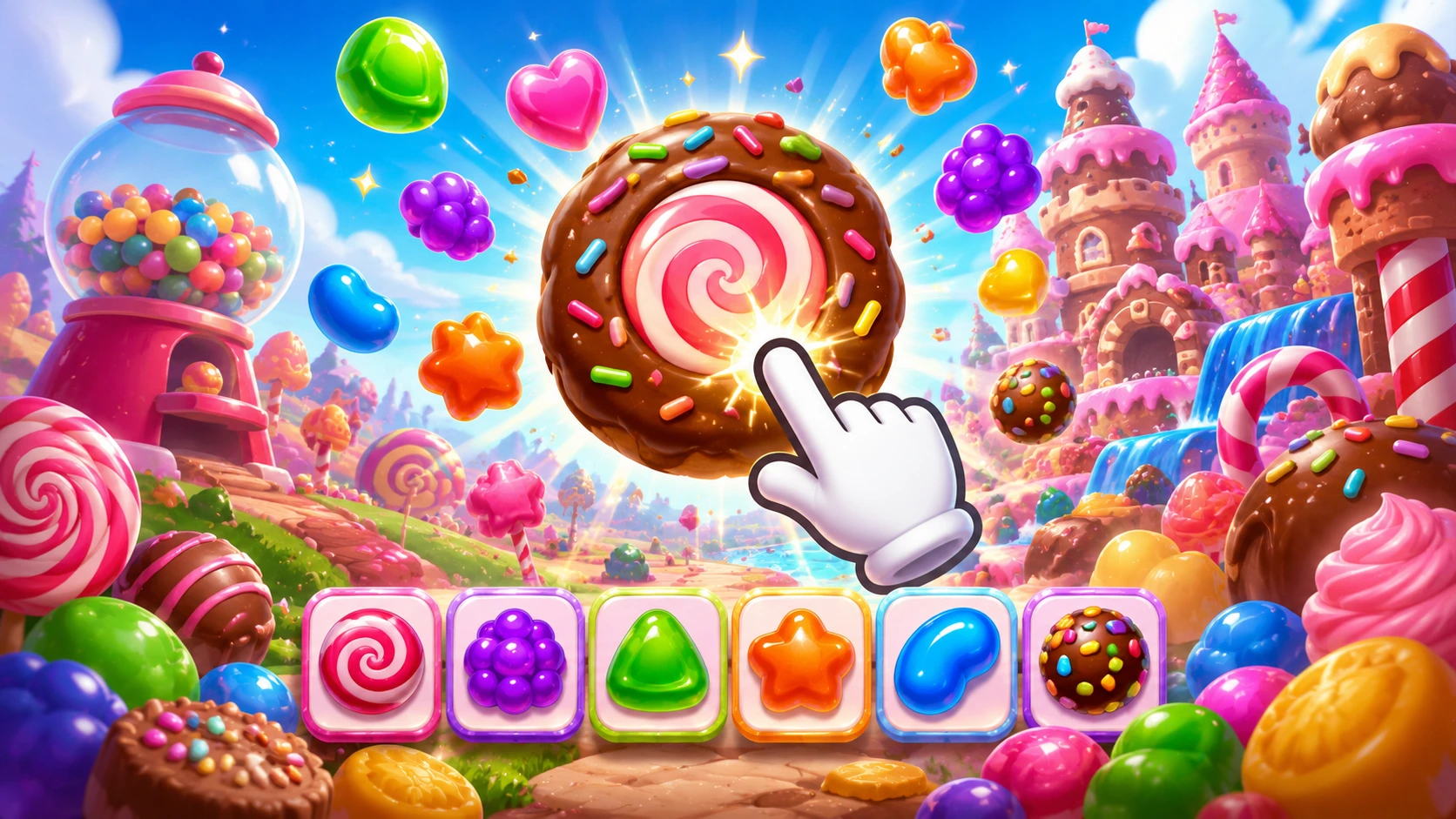
Candy Clicker 2 is one of the most addictive free browser games you can play right now no download, no login, no cost. Whether you’ve never touched an idle clicker before or you’ve already beaten the original and want to know what’s new, this guide covers everything: what the game is, how it works, every upgrade explained, the best strategies to progress fast, and answers to the most common questions players search for.
What Is Candy Clicker 2?
Candy Clicker 2 is the official sequel to Candy Clicker, built by the original developer Coltroc on Scratch. It keeps the classic gameplay loop click candy, buy upgrades, and automate your production but introduces a gold bar system, sugar cubes, a rebirth mechanic, and custom skins. These new features give experienced players a solid reason to keep grinding long after the first game felt finished.
It’s a browser-based idle clicker game, which means you can play it instantly on any desktop or mobile browser with no downloads required. It sits in the same genre as Cookie Clicker but is designed to be much quicker to get into, with a clean progression arc that newer players can actually follow from start to finish.
If you’re looking for more free games you can play instantly in your browser without installing anything, this roundup of the best free browser games covers a wide range across every genre and playstyle.
Candy Clicker 2 vs. the Original: What’s Actually Different?
The original game was a quick sprint. You clicked fast, bought the final upgrade, and you were done. Candy Clicker 2 changes things up to make the experience last longer and feel more rewarding. The biggest addition is the gold bar system. As you click and collect candies, a progress bar at the top of your screen gradually fills. Once it is completely full, four golden candies spawn and drift across the screen.
The other major additions are sugar cubes as a secondary currency, a rebirth (prestige) mechanic, and unlockable cosmetic skins. If you beat the first game and want more depth, jump into part two. If you just want a fast, low-commitment time killer, stick to the original.
How to Play Candy Clicker 2: Step-by-Step for Beginners
Controls
Every single action is controlled by clicking. Whether you want to click on the candy, upgrade your candy generators, or anything else, all you have to do is click.
On desktop: click with your mouse. On mobile: tap the candy directly on your touchscreen. You can also press R to reload the game and F to switch to fullscreen mode.
Getting Started
Once the game loads, you’ll see a big candy icon, your candy counter, and several upgrade options on the side. Your first action is simple: click the candy. Every click gives you a small amount of candy your in-game currency. At the beginning, this is the only way to make progress, but within a few minutes, you’ll unlock your first upgrade, which allows the game to produce candy automatically.
From there, the core loop is: click → earn candy → spend candy on upgrades → earn candy faster → repeat.
The Gold Bar System Explained
The gold bar is a progression meter located at the top of the screen that fills up as you produce candies. When it is completely full, it spawns four golden candies. Clicking all four grants a massive candy bonus and rewards you with one sugar cube to spend on permanent upgrades.
Missing a Golden Candy can mean missing out on a 7x production multiplier that could skyrocket your progress. Don’t let them drift off the screen uncollected.
Sugar Cubes: Permanent Upgrades Explained
Each sugar cube buys one of four permanent buffs. You can even buy the same upgrade multiple times to stack its effects. Here is the breakdown:
- +20% candies per click: Multiplies your manual clicking output. Great for the early game, but falls off later when your passive farms do all the work.
- +20% candies per second: Boosts all passive production from your buildings. This scales incredibly well as you get deeper into the game.
- +20% candy from golden candies: Increases the payout of the golden candy drops. Strong if you actively watch the screen, but not very useful if you play completely idle in another tab.
- +1 sugar per level-up: Increases the amount of sugar cubes you earn every time the gold bar fills. This is a massive compounding investment. Getting extra sugar lets you buy all the other buffs much faster.
The Rebirth (Prestige) Mechanic
The Rebirth upgrade is a prestige mechanic that completely resets your current progress (candies and buildings) in exchange for a permanent 2x multiplier on all future candy production. It makes your subsequent runs twice as fast.
The best time to prestige is when upgrades cost too much and progress slows. With each rebirth, you climb faster than before.
This is an optional mechanic you never have to rebirth but if you want to see the game’s higher numbers and faster production rates, doing it at least once makes a real difference.
For players who enjoy this kind of incremental, strategy-layered progression, Pizza Edition games are another popular browser gaming collection worth browsing between sessions.
Best Strategies to Progress Fast in Candy Clicker 2
1. Spend Your First Sugar Cube on “+1 Sugar Per Level-Up”
You should spend your first sugar cube on the “+1 sugar per level-up” upgrade. This compounding buff earns you more sugar cubes early on, allowing you to unlock the rest of the Sugar Shop multipliers much faster than any other strategy.
Every veteran player agrees on this. It snowballs better than any other first purchase.
2. Balance Click Power with Passive Production
Mix click power with auto-generation over-investing in one slows growth. In the very early game, boosting your clicks per second makes sense. By mid-game, your candy-per-second (CPS) from automatic buildings should be doing the heavy lifting, so redirect your upgrades accordingly.
3. Never Miss a Golden Candy
After clicking and upgrading for a while, you will unleash the golden candies. These candies are worth much more than regular candy, so make sure to grab them all. Once you collect the golden candies, you will be rewarded with a sugar cube.
Keep the game window visible rather than minimizing it, especially in the mid-game when golden candy payouts are at their most impactful relative to your current income.
4. Keep the Tab Open for Idle Gains
Candy Clicker 2 does not save your progress between sessions. Because it is a Scratch-based browser game, closing or refreshing the tab will reset everything. You must keep the tab open to maintain your run and let your passive production work.
If you need to step away, make sure your passive generators are running and come back to a stockpile ready to spend. This is the entire point of the idle mechanic.
5. Buy Available Upgrades Immediately Don’t Hoard
A common mistake is waiting to save up for a big upgrade while ignoring cheaper ones. Those cheaper buildings compound over time and will actually get you to the expensive stuff faster. If you can buy an upgrade right now, buy it.
6. Time Your Rebirth Correctly
Don’t rebirth too early. Wait until your regular upgrades feel genuinely stalled and cost so much that progress has slowed to a crawl. At that point, the 2x multiplier from rebirthing will let you blow through the early and mid-game in a fraction of the time.
Where to Play Candy Clicker 2 (Free, No Download)
Candy Clicker 2 runs directly in any modern browser Chrome, Firefox, Safari, Edge, and Opera are all supported. You can find it on CoolMathGames, CrazyGames, Itch.io, and a number of other browser gaming sites. No account is required on most platforms, and the game is completely free on every host.
Because it’s browser-based and lightweight, it also works on school and office networks where gaming downloads are blocked. If you play a lot of games this way, this guide to unblocked G games lists a large collection of titles that run the same way no install, no restrictions. And for specifically unblocked casual games playable anywhere, House of Hazards unblocked is one of the most popular picks in the same browser-game space.
Candy Clicker 2 on Mobile
Mobile tip: rotate to landscape if the UI feels cramped; ensure low-power modes aren’t throttling the page. The tap controls work exactly like mouse clicks just tap the candy and the upgrade buttons as you would with a mouse. The game scales to different screen sizes reasonably well, though the UI is noticeably tighter on phones than on a desktop browser.
Frequently Asked Questions
Is Candy Clicker 2 free to play?
Yes, completely free on every platform that hosts it. There are no paid upgrades, no microtransactions, and no subscription of any kind.
Does Candy Clicker 2 save progress?
No. Candy Clicker 2 does not save your progress between sessions. Closing or refreshing the tab will reset everything. You must keep the tab open to maintain your run.
How long does it take to beat Candy Clicker 2?
A single run through the core upgrades takes roughly 45 minutes to an hour of active play. With the rebirth multiplier active, subsequent runs go significantly faster. There’s no hard “end” the game keeps scaling but most players consider the rebirth upgrade the meaningful endpoint of a standard run.
What’s the best first upgrade to buy?
The “+1 sugar per level-up” upgrade from the Sugar Shop. This compounding buff earns you more sugar cubes early on, allowing you to unlock the rest of the Sugar Shop multipliers much faster than any other strategy.
What are the golden candies for?
Once you collect the golden candies, you will be rewarded with a sugar cube. This can be put toward even more upgrades to assist you in your candy production journey.
Is Candy Clicker 2 different from Cookie Clicker?
They share the same genre incremental idle clicker but Candy Clicker 2 is a much shorter, more beginner-friendly experience without Cookie Clicker’s hundreds of buildings and grandmapocalypse storyline. If you want something you can meaningfully progress in a single session rather than over days, Candy Clicker 2 is the better pick.
Can I play Candy Clicker 2 on my phone?
Yes. It runs in mobile browsers without any download needed. Tap the candy the same way you’d click it on a desktop.
Final Thoughts
Candy Clicker 2 does exactly what a good idle clicker should: it’s simple enough to pick up in 30 seconds, layered enough to keep you thinking about upgrade order, and satisfying in a way that makes it genuinely hard to close the tab. The gold bar system, sugar cube upgrades, and rebirth mechanic are all meaningful improvements over the original that give the game a real sense of long-term progression without ever becoming complicated.
If you’ve never played an idle clicker before, this is one of the best places to start and if you’re already a genre veteran, the rebirth loop and stacking sugar cube buffs give you enough to optimize to keep things interesting well past your first run.
