

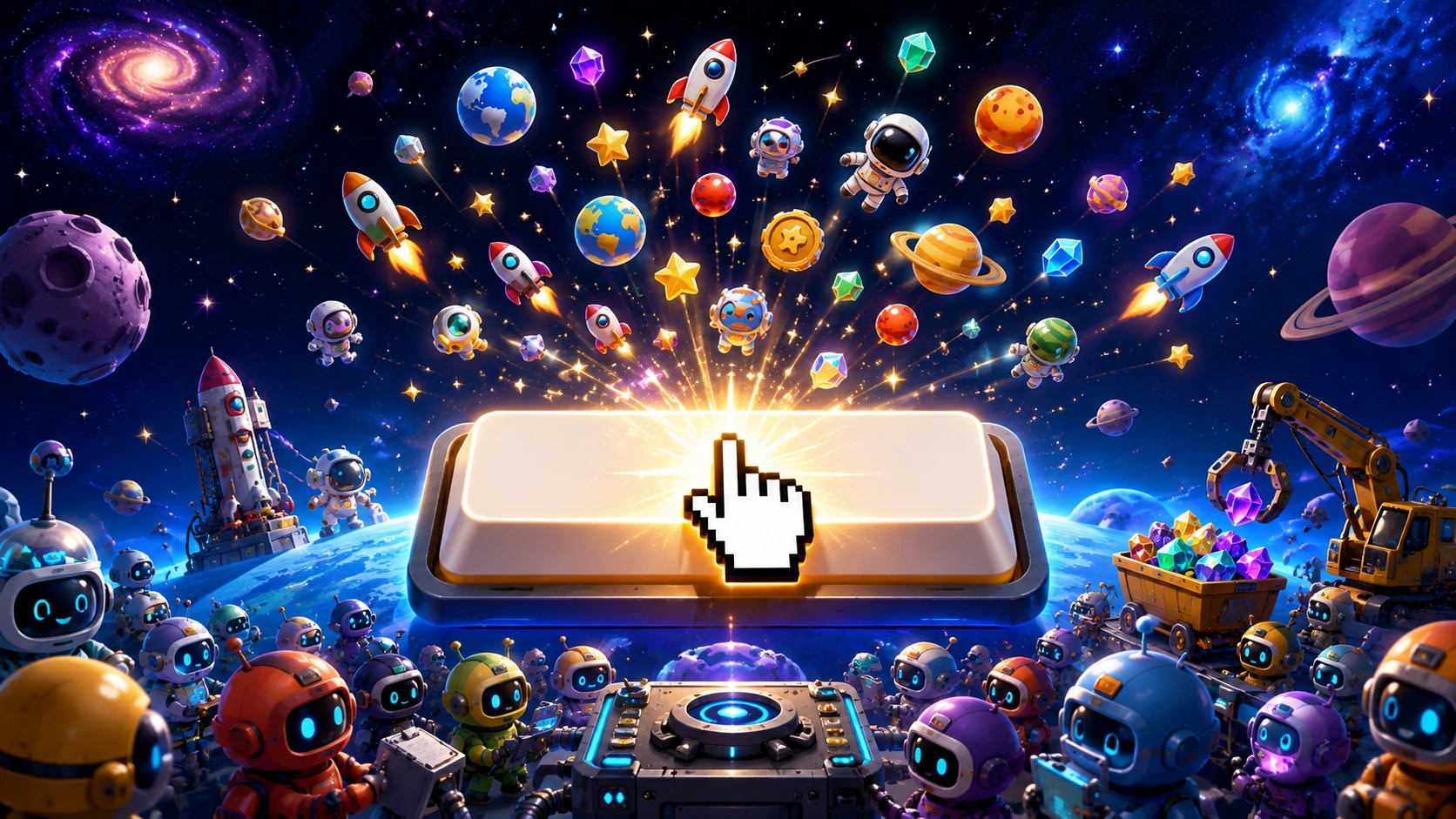
Spacebar Clicker is a free, browser-based idle/clicker game with one delightfully simple premise: press the spacebar as fast as you can to earn points, then spend those points on upgrades that grow your score automatically over time. No downloads, no sign-ups, no complicated rules — just open it in any browser and start tapping.
What keeps people coming back isn’t just the simplicity. It’s the same loop that’s made idle games a global phenomenon for over a decade: a satisfying climb from manual clicking to fully automated point generation, with dozens of increasingly absurd upgrades along the way. Whether you’re testing your reflexes, killing five minutes between classes, or chasing a seven-figure score, Spacebar Clicker delivers exactly what its name promises.
If you’re looking for more no-download, school-friendly games to play in your downtime, our roundup of unblocked browser games like House of Hazards covers several other titles that work great on restricted networks.
How to Play Spacebar Clicker
Getting started takes seconds. Open the game in your browser — on a desktop, laptop, tablet, or phone — and begin pressing the spacebar key. Every press adds to your running total, and your score climbs in real time as you tap.
The Basic Loop
- Click manually to earn your first points by repeatedly pressing the spacebar
- Spend points on upgrades once you’ve banked enough to afford them
- Let automation work for you as upgrades begin generating points without any manual clicking
- Reinvest into stronger upgrades to keep accelerating your points-per-second growth
- Chase new personal records and compare your score against friends or online leaderboards
There’s no time limit and no way to “lose.” It’s designed purely around watching your numbers grow — making it one of the most stress-free, low-pressure games in the clicker genre.
Spacebar Clicker Upgrades: What to Buy and When
The upgrade system is where Spacebar Clicker really opens up. As you earn points, you unlock a growing list of upgrades that either automate your clicking or increase the value of each tap. The game leans into humor here — early-tier helpers are charmingly mundane, while late-game unlocks get genuinely absurd, with some versions of the game featuring everything from robotic helpers to machines that claim to multiply your clicks across parallel universes.
Smart Upgrade Strategy
Prioritize automation early. Manual clicking has a hard ceiling — your fingers will only ever click so fast. Automated upgrades generate points continuously, even while you’re not actively pressing the spacebar, which is the real engine behind big scores.
Look for multipliers over flat bonuses. An upgrade that doubles your existing points-per-second is almost always more valuable long-term than one that adds a small flat amount, especially once your score starts climbing into the higher tiers.
Don’t neglect manual clicking completely. Even after you’ve unlocked automation, occasional manual bursts can still meaningfully boost your total, especially in the early-to-mid game before automation fully takes over.
Balance cost against output. Compare the price of each new upgrade to how much it will add to your points-per-second. The best long-term investments are the ones that pay for themselves quickly and keep paying after that.
How to Click the Spacebar Faster: Real Techniques
If you want to push your manual click speed before automation kicks in — or you’re using Spacebar Clicker to train for the viral spacebar-tapping challenges that have circulated on TikTok — these techniques actually work:
The two-finger halfway technique. This is the most commonly recommended method among competitive clickers: press the spacebar halfway down with one finger (often your middle finger) and use a second finger (your index finger) to tap it the rest of the way, rapidly. This reduces the total distance each finger has to travel per click, letting you land taps noticeably faster than using a single finger alone.
Alternate hands during long sessions. If you’re clicking for an extended period, switching which hand handles the tapping helps prevent fatigue and keeps your speed more consistent over time.
Find a steady rhythm rather than a single burst. A consistent, sustainable tapping rhythm tends to outperform short, frantic bursts that you can’t maintain — both for comfort and for total output over a longer session.
Take short breaks. Resting your fingers and wrists every 15–20 minutes helps prevent stiffness and actually keeps your average speed higher across a full session, compared to clicking continuously until you’re fatigued.
For context on how fast is genuinely fast: the average clicks-per-second (CPS) for casual players sits around 6 to 7, while players who can sustain 8 to 11 CPS are considered to be among the better performers in spacebar-speed communities.
Spacebar Clicker World Records and Benchmarks
Spacebar tapping has developed its own competitive culture, particularly after going viral on TikTok, where players record themselves attempting to hit as many presses as possible within a set time window. A few benchmarks worth knowing:
- A commonly cited 5-second record stands at 58 presses, set by a player known as Evan H.
- A well-known 60-second record of 108 presses was set by a player named Mark Little in the UK.
- The average CPS across casual players generally falls between 6.27 and 7.
- Players sustaining 8+ CPS are generally regarded as fast, with 10+ CPS considered elite territory.
These numbers are useful as a reference point if you’re trying to gauge how your own manual clicking speed stacks up before automation upgrades start doing the heavy lifting for you.
Why Auto-Clickers Defeat the Purpose
It’s worth addressing directly: yes, automated key-pressing tools exist that can technically rack up a high score without any real effort. But using one in Spacebar Clicker misses the entire point of the game. Part of what makes a high score satisfying is knowing you earned it — either through genuine manual speed or through smart upgrade strategy within the game’s own systems. Relying on external automation tools strips out both of those rewards and tends to make the experience feel hollow rather than satisfying.
If you’re chasing a real personal best, the better path is leaning into the game’s built-in upgrade system and your own improving technique — not an external shortcut.
Is Spacebar Clicker Good for Stress Relief and Focus?
Many players use Spacebar Clicker as a quick mental break during the day. The repetitive, low-stakes tapping motion can be genuinely calming — there’s no risk of losing, no complex decisions, and no pressure beyond the score you’re chasing for yourself. It’s also commonly played during short breaks at school or work, since it requires zero setup and can be picked up and put down at any point without losing meaningful progress.
If you enjoy this kind of low-friction, anytime-anywhere browser gaming, our collection of the best free browser games you can play instantly includes several more titles built around the same pick-up-and-play philosophy.
Spacebar Clicker FAQ
Is Spacebar Clicker free to play?
Yes. Spacebar Clicker is completely free, runs directly in your browser, and requires no downloads, installs, or account sign-ups.
Can I play Spacebar Clicker on school or work networks?
Many versions of Spacebar Clicker are hosted as unblocked browser games, meaning they typically work through school and workplace network filters since the game runs entirely in-browser with no downloads required.
What is a good CPS (clicks per second) in Spacebar Clicker?
A good average CPS sits between 6.5 and 7. Players who reach 8 to 11 CPS are generally considered fast, with anything above that regarded as elite.
What’s the best technique to click the spacebar faster?
The two-finger “halfway press” technique is the most widely recommended method: press the spacebar halfway with one finger while a second finger taps it the rest of the way rapidly, reducing travel distance per click.
Do upgrades in Spacebar Clicker click for me automatically?
Yes. As you earn points, you can purchase upgrades that automate clicking entirely, generating points continuously even when you’re not pressing the spacebar yourself.
Should I use an auto-clicker tool to boost my score?
It’s not recommended. Using an external auto-clicker tool bypasses the actual challenge and progression system the game is built around, and many score-tracking features will flag suspiciously fast or perfectly consistent inputs as invalid.
Can I play Spacebar Clicker with friends or compare scores?
Yes. Many versions of the game include score submission, leaderboards, or simple score-sharing so you can challenge friends and compare who can reach the highest score or fastest clicking speed.
Final Verdict
Spacebar Clicker earns its popularity through pure, distraction-free simplicity. There’s no learning curve, no punishing difficulty spike, and no reason not to give it a try during a quick break. Whether you’re testing how fast your fingers really are, working toward a satisfying upgrade chain, or just looking for a few stress-free minutes of mindless tapping, it remains one of the most accessible and genuinely enjoyable clicker games you can play online right now.
