

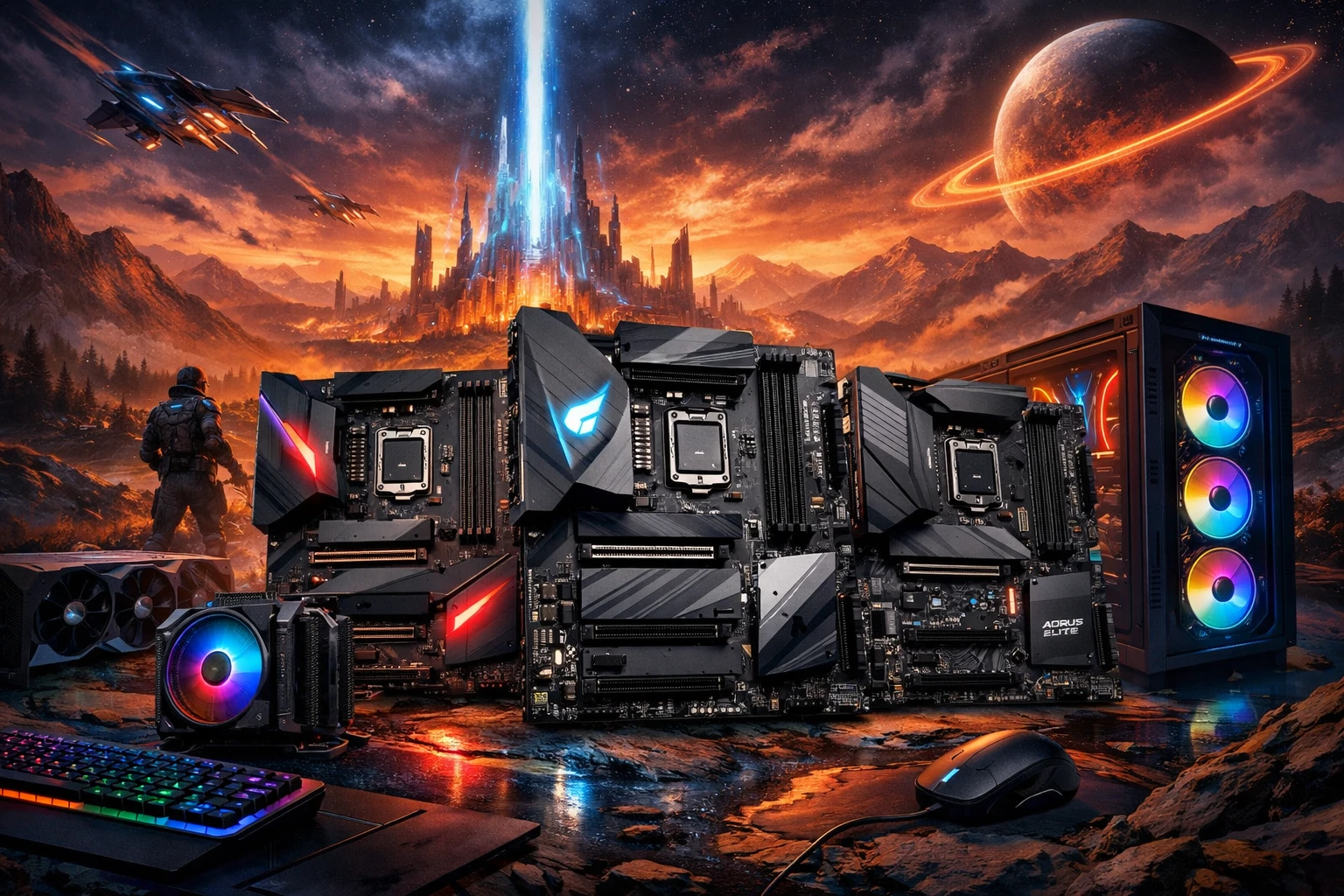
Choosing the right motherboard is one of the most important decisions when building a gaming PC. A powerful GPU and CPU can only perform at their best when paired with a reliable, feature-rich motherboard. Gigabyte motherboards are widely trusted by gamers for their strong VRMs, excellent overclocking support, and long-term durability.
In this guide, we’ll explore the best Gigabyte motherboards for gaming, focusing on performance, overclocking capabilities, and value for money. Whether you’re building a budget gaming PC or a high-end enthusiast rig, this list will help you make the right choice.
Why Choose a Gigabyte Motherboard for Gaming?
Gigabyte has earned a solid reputation in the gaming hardware market due to its focus on stability and innovation. Here’s why gamers prefer Gigabyte motherboards:
High-quality VRM designs for stable power delivery
Excellent BIOS support and frequent updates
Advanced cooling solutions for gaming and overclocking
Strong compatibility with Intel and AMD CPUs
Competitive pricing compared to other premium brands
Gigabyte’s AORUS lineup in particular is designed specifically for gamers and PC enthusiasts.
Best Gigabyte Motherboards for Gaming (2026 Picks)
1. Gigabyte Z790 AORUS Master – Best Overall Gaming Motherboard
Best for: High-end gaming and overclocking
Socket: LGA 1700 (Intel 12th–14th Gen)
The Gigabyte Z790 AORUS Master is a premium motherboard built for serious gamers and overclockers. It features an advanced VRM setup that ensures stable performance even under heavy gaming loads.
Key Features:
20+1+2 phase digital VRM
PCIe 5.0 support for GPUs and SSDs
DDR5 memory support up to high frequencies
Advanced thermal armor and heatsinks
2.5GbE LAN + Wi-Fi 6E
Why it’s great for gaming:
This motherboard delivers rock-solid stability, making it ideal for high-FPS gaming and extreme overclocking.
Read: RTX 5090 vs AMD Radeon RX 7900 XTX
2. Gigabyte B650 AORUS Elite AX – Best AMD Gaming Value
Best for: Ryzen 7000 gaming builds
Socket: AM5
For AMD gamers, the Gigabyte B650 AORUS Elite AX offers an excellent balance between performance and price. It supports the latest Ryzen CPUs while keeping costs reasonable.
Key Features:
Strong VRM cooling for Ryzen processors
DDR5 memory support
PCIe 5.0 SSD support
Wi-Fi 6E and 2.5Gb Ethernet
Clean AORUS gaming design
Why it’s great for gaming:
It delivers consistent performance for modern AAA games without the premium price of X670 boards.
3. Gigabyte Z690 Gaming X DDR4 – Best Budget Intel Gaming Board
Best for: Budget-friendly Intel gaming PCs
Socket: LGA 1700
If you’re building a gaming PC on a budget, the Gigabyte Z690 Gaming X DDR4 is a solid option. It supports Intel overclocking while allowing you to reuse DDR4 memory.
Key Features:
Intel CPU overclocking support
DDR4 compatibility (cost-saving)
PCIe 4.0 for GPUs and SSDs
Reliable VRM design
Gaming-focused BIOS
Why it’s great for gaming:
It offers excellent gaming performance at a lower cost, perfect for mid-range builds.
4. Gigabyte X670E AORUS Xtreme Best for Extreme Overclocking
Best for: Enthusiast gamers and overclockers
Socket: AM5
The Gigabyte X670E AORUS Xtreme is built for those who want the best possible performance. It’s loaded with premium components and advanced cooling features.
Key Features:
Extreme VRM power design
Full PCIe 5.0 support
High-end thermal solutions
Premium audio and networking
Ideal for custom water-cooling builds
Why it’s great for gaming:
This board is designed to push CPUs and GPUs to their limits without compromising stability.
5. Gigabyte B550 AORUS Pro V2 – Best Value for AM4 Gaming
Best for: Ryzen 3000 & 5000 gaming builds
Socket: AM4
Still running an AM4 system? The Gigabyte B550 AORUS Pro V2 remains one of the best value gaming motherboards available.
Key Features:
Strong VRM cooling for Ryzen CPUs
PCIe 4.0 GPU and SSD support
Dual M.2 slots with heatsinks
Solid build quality
Competitive pricing
Why it’s great for gaming:
It’s perfect for gamers who want strong performance without upgrading to AM5.
Performance & Overclocking: What to Look For
When choosing a Gigabyte gaming motherboard, focus on these key areas:
VRM Quality
Better VRMs mean:
Stable gaming performance
Higher overclocking potential
Lower temperatures under load
Memory Support
DDR5 offers better future-proofing
DDR4 still provides great value for budget builds
Cooling Design
Look for:
Large VRM heatsinks
M.2 thermal guards
Multiple fan headers
Value for Money: Which Gigabyte Board Is Right for You?
Budget gamers: B550 or B660/B760 series
Mid-range gamers: B650 or Z690 Gaming X
High-end gamers: Z790 or X670E AORUS boards
Spending more only makes sense if you actually need the extra features.
Final Verdict
Gigabyte offers some of the best gaming motherboards on the market, covering every budget and performance level. Whether you’re aiming for extreme overclocking or a value-focused gaming build, there’s a Gigabyte motherboard that fits your needs.
For gamers looking to balance performance, reliability, and price, Gigabyte remains one of the smartest choices in 2025.
FAQs
Are Gigabyte motherboards good for gaming?
Yes, Gigabyte motherboards are known for strong power delivery, excellent cooling, and reliable performance, making them ideal for gaming PCs.
Which Gigabyte motherboard is best for overclocking?
The Gigabyte Z790 AORUS Master (Intel) and X670E AORUS Xtreme (AMD) are among the best for overclocking.
Is Gigabyte better than ASUS or MSI for gaming?
Gigabyte competes closely with ASUS and MSI. It often offers better value while maintaining high build quality and performance.
Do Gigabyte motherboards support future CPUs?
Most modern Gigabyte boards support BIOS updates, allowing compatibility with newer CPUs within the same socket generation.
Which Gigabyte motherboard is best for budget gaming?
The Gigabyte B550 AORUS Pro V2 and Z690 Gaming X DDR4 are excellent budget-friendly gaming options.
