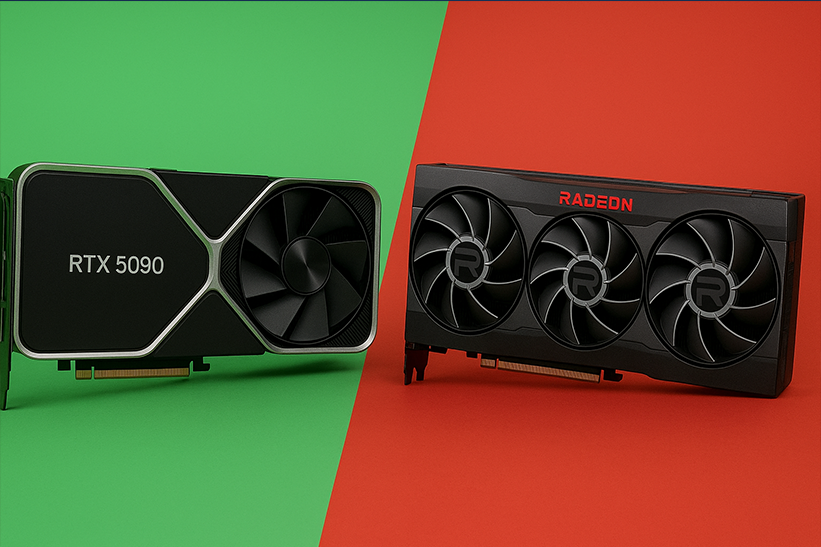
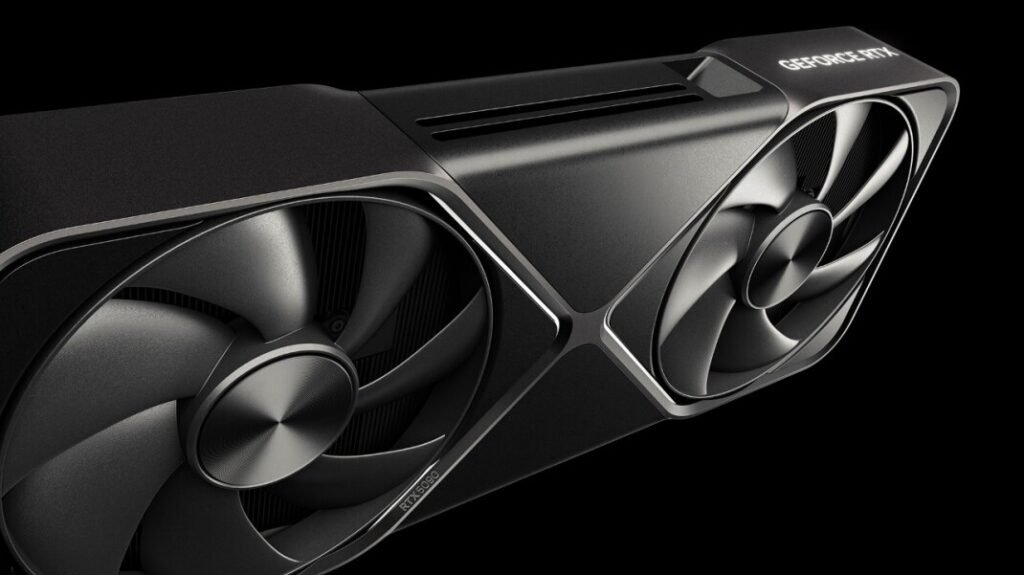
Recent discussions about bricked RTX 5090 and RTX 5090D Bricked Issues have raised concern among PC enthusiasts and early adopters. Reports of GPUs failing to boot, displaying no signal, or becoming unresponsive after updates have sparked debate about causes, prevention, and recovery options.
What Does “Bricked” Mean for a GPU?
When a graphics card is described as “bricked,” it means the device no longer functions as intended and cannot be detected or used by the system. In severe cases, the GPU may not display output, fail to initialize during boot, or appear completely dead even though power is supplied.
For high-end GPUs like the RTX 5090 and RTX 5090D, a bricked state can be especially frustrating given their high cost and limited availability.
Reported RTX 5090 / 5090D Bricked Issues
Users discussing RTX 5090 and 5090D Bricked Issues often mention problems appearing after specific actions rather than during regular operation. Commonly reported symptoms include black screens, fans spinning without display output, or the card not being recognized by the motherboard.
It’s important to note that many of these reports are anecdotal and may involve early samples, engineering units, or unofficial configurations. However, similar problems have occurred with previous GPU generations, making the concerns worth examining.
Possible Causes of RTX 5090 and 5090D Bricked issues
BIOS Flashing Errors
One of the most common causes of GPU bricking is a failed or incorrect BIOS flash, which can occur if users attempt to flash unofficial BIOS files or interrupt the flash process. Emphasizing this helps readers understand the critical importance of following proper procedures during BIOS updates.
Driver or Firmware Conflicts
In rare cases, corrupted driver installations or experimental firmware updates can cause boot failures. This is more likely when using beta drivers or modifying power limits.
Power Supply Issues
The RTX 5090 series is expected to draw significant power. Using an insufficient or unstable power supply, incorrect cables, or poor-quality adapters can lead to shutdowns or long-term damage.
Overclocking and Voltage Modifications
Aggressive overclocking, undervolting mistakes, or third-party tuning tools can push the GPU beyond safe limits. If protections fail, this may lead to permanent instability or bricking.
Manufacturing or Early Batch Defects
As with any new hardware generation, early production batches may have defects that are later corrected. This can include faulty VRMs, memory modules, or power controllers.
How to Prevent RTX 5090 / 5090D Bricked Issues
Prevention is always better than recovery, especially with premium GPUs.
- Avoid flashing unofficial BIOS files
- Use stable, recommended drivers instead of beta versions
- Pair the GPU with a high-quality, properly rated PSU
- Use manufacturer-approved power cables and connectors
- Avoid extreme overclocking, especially during early ownership
- Keep system BIOS and firmware updated from official sources only
These are steps significantly reduces the risk of GPU failure.
Can a RTX 5090 or 5090D Bricked Issues Be Fixed?
In some cases, yes—but it depends on the cause.
If the issue is BIOS-related, recovery may be possible using:
- Dual-BIOS switches (if available)
- Blind flashing via another GPU
- Manufacturer service tools
If the GPU has suffered physical or electrical damage, repair is unlikely without professional servicing. In such cases, an RMA (warranty claim) is usually the best option.
What to Do If Your RTX 5090 or 5090D Is Bricked
If you believe your GPU is bricked:
- Test it in another system
- Check all power connections
- Reset CMOS and BIOS settings
- Try a different display cable or output
- Contact the manufacturer immediately if the issue persists
Avoid repeated power cycling or experimental fixes, as these may worsen the damage.
Should You Be Worried About Buying an RTX 5090 or 5090D?
While reports of 5090d bricked issues can sound alarming, most users experience smooth operation by following best practices, which helps build confidence in the GPU’s reliability.
Waiting for stable drivers and updated firmware, and for later production batches, can further reduce risk for cautious buyers.
FAQs
Are RTX 5090 bricked issues common?
No confirmed data suggests widespread bricking. Most reports appear isolated and linked to specific actions, such as BIOS flashing or power issues.
Can driver updates brick an RTX 5090?
Standard official drivers are unlikely to brick a GPU. Problems usually occur with beta drivers or interrupted installations.
Does the RTX 5090D have a higher risk than the RTX 5090?
There is no solid evidence that the 5090D is inherently riskier. Differences may come from regional firmware or power configurations.
Will warranty cover a bricked RTX 5090?
In most cases, yes unless damage resulted from unauthorized modifications such as custom BIOS flashing or physical tampering.
Is it safe to overclock the RTX 5090?
Mild overclocking within manufacturer guidelines is generally safe, but extreme tuning increases the risk of instability or damage.
Final Thoughts
The topic of RTX 5090/5090D bricking issues underscores the importance of careful setup, stable power delivery, and avoiding risky modifications especially with cutting-edge hardware. While failures can happen, most users will never encounter serious issues if they follow best practices and rely on official updates.